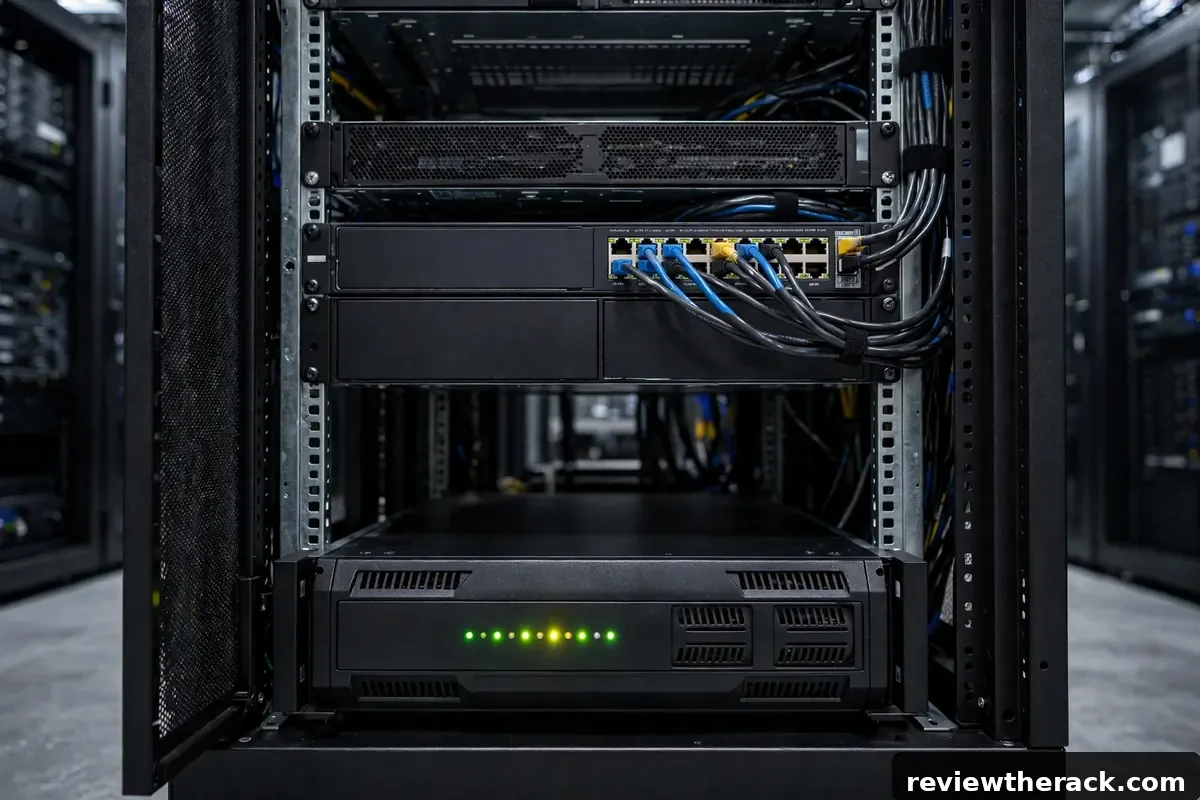
A UPS — uninterruptible power supply — does two jobs: it rides through short outages and brownouts, and it gives you time — time for graceful shutdowns when the outage outlasts the batteries. It does not make power problems disappear; it converts them from emergencies into procedures. This guide covers the three UPS topologies, how to size runtime honestly, and how to wire the rack so the UPS actually protects what matters.
The three topologies
Standby (offline): the cheapest. Utility power flows straight through until it fails, then the UPS switches to battery in a few milliseconds. Fine for basic protection of non-critical gear, but the switchover gap and lack of conditioning make it a poor fit for sensitive servers.
Line-interactive: the homelab sweet spot. Adds automatic voltage regulation (AVR) — boosting or trimming sagging/surging utility power without touching the batteries — plus fast switchover. Handles brownouts gracefully, costs moderately, and suits most small racks well.
Online (double-conversion): the premium tier. Power is continuously converted AC→DC→AC, so the load always runs off the inverter — zero transfer time, perfect conditioning, complete isolation from utility nastiness. Costs more, runs warmer, uses more energy, and is the right answer for critical or sensitive loads.
Choose by consequence: if the gear can tolerate a few milliseconds of gap and rough-ish power, line-interactive is the value answer. If downtime or data corruption is expensive, online earns its premium. Standby belongs on desks, not in racks.
Sizing runtime: the honest math
Runtime depends on load vs battery capacity, and the relationship is not linear — doubling the load more than halves the runtime. UPS specs publish runtime charts (minutes at various wattages); use them, derated. Batteries age: a three-year-old battery holds meaningfully less than new, so size with degradation in mind or plan replacements.
Size for your shutdown procedure, not for “as long as possible.” Decide: how long to ride through (5–15 minutes covers the vast majority of utility blips), then how long a graceful shutdown takes (servers with big write caches and VMs need several minutes). Runtime target = ride-through + shutdown + margin. For most small racks, 10–20 minutes at actual load is the sane target — enough for nearly all real outages, without paying for hours of battery you will never use.
Measure the real load (see PDU sizing) and read the runtime chart at that wattage, not at the UPS’s maximum rating. A UPS rated 1500VA might give 12 minutes at 600W but 3 minutes at 1200W — the chart at your load is the only number that matters.

What plugs into the UPS (and what does not)
On the UPS: servers, storage, network core (switch, firewall, router), and anything whose abrupt death costs you data or long recovery. These are the loads the runtime math covers.
Not on the UPS: laser printers (enormous inrush, will overload or drain the UPS instantly), space heaters, and anything non-critical that just burns runtime. Monitors: one, for shutdown interaction, not three. Every watt on the battery side shortens runtime for everything else — be ruthless.
Fan trays and cooling: on the UPS if they protect critical gear during the ride-through; otherwise they are runtime thieves. Decide deliberately — see fan tray planning.
Placement and wiring
Low in the rack. Batteries are the densest, heaviest thing you will install — bottom of the cabinet, always, for stability. A 2U UPS can weigh 25–35 kg; top-mounting it is a tipping hazard and a service nightmare. Confirm the cabinet’s weight rating with the UPS included, per the cabinet checklist.
Ventilated. UPS units generate heat, especially online topologies and while charging. Give them airflow like any other heat source — do not seal them in a dead-air bottom corner.
Wiring order: wall → UPS → PDU → gear. The PDU distributes protected power downstream of the UPS. Never plug a UPS into a PDU, never daisy-chain UPS units, and never plug the UPS into a surge strip — it needs a direct, dedicated wall connection. For redundant setups, dual UPS units feed PDU-A and PDU-B separately.
Graceful shutdown automation
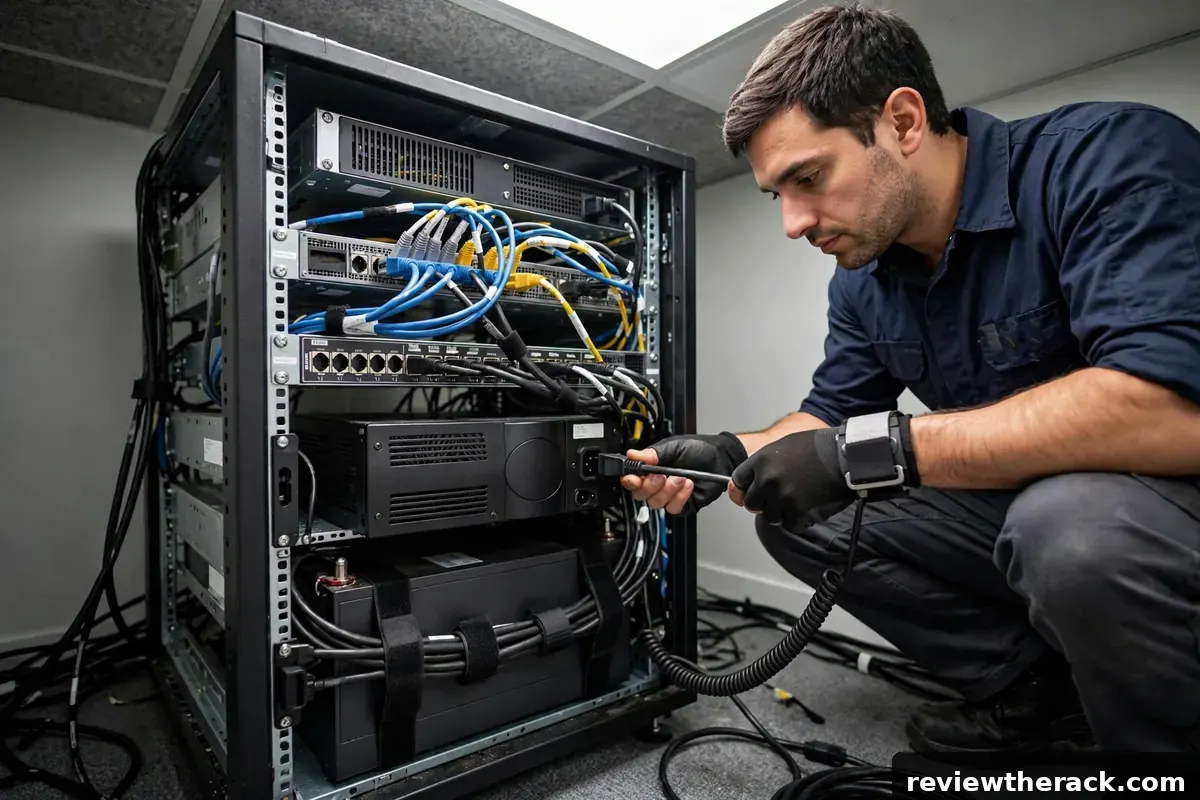
A UPS without shutdown automation protects against blips but not long outages — someone has to be there to shut things down, and outages love happening at 3 AM. USB or network signaling from the UPS to your servers (or a management host) triggers orderly shutdowns when battery hits a threshold. Configure it: the “low battery → shut down VMs, then hosts” sequence, tested, not just installed.
Test the whole chain annually: pull the UPS input (during a maintenance window), watch the notifications fire, confirm shutdowns proceed in order, then restore power and verify clean startup. An untested shutdown plan is a hope, not a plan. Replace batteries on schedule — typically every 3–5 years, sooner in warm rooms — because a UPS with dead batteries is a heavy power strip.
UPS mistakes
Oversizing wildly: a UPS five times your load gives great runtime on paper and wastes money and efficiency. Size to the procedure.
Forgetting the network gear: servers that stay up while the switch dies are just warm paperweights. Protect the network path too.
No maintenance: batteries age whether you watch or not. Calendar the replacement; test the shutdown yearly.
Battery maintenance and replacement
UPS batteries are consumables with a 3–5 year lifespan (shorter in hot environments — heat is the great battery killer, roughly halving life for every sustained 10°C above room temperature). A UPS with dead batteries is a heavy power strip: it passes mains through and provides zero runtime. The failure mode is silent until the outage that reveals it, which is why testing matters more than the purchase.
Build a battery routine: monthly, check the UPS self-test status (most units self-test automatically — confirm the feature is enabled and read the results); annually, run a controlled runtime test (on protected load, during a maintenance window, time the actual runtime against your requirement); and on schedule, replace proactively at the manufacturer’s interval rather than waiting for failure. Replacement is usually straightforward — hot-swappable cartridges in better units, a screwdriver job in smaller ones — but verify the procedure for your model before the batteries are critical. Recycle old batteries properly (lead-acid goes to battery recyclers, never landfill); many suppliers take the old ones when delivering the new.
UPS monitoring and alerting
An unmonitored UPS protects the rack but leaves you blind: you learn about the outage when the runtime expires, which is the worst possible moment. At minimum, connect the UPS to something that can act — USB or serial to a server for graceful shutdown signaling, or a network management card for remote monitoring, alerting, and multi-device orchestration. The network card is the serious answer for any rack with more than one critical device.
Decide what to monitor and what to alert on: on-battery events (immediate alert — the clock is ticking), low-battery (escalate — shutdown is imminent), overload (warning — capacity planning needed), and battery health/test failures (maintenance ticket, not emergency). Route alerts somewhere you will actually see them at 3 AM — email alone is a hope, not a plan. And test the alerting path the way you test the batteries: trigger a self-test, confirm the alert arrives, confirm the shutdown signaling works. A monitoring system you have never seen fire is a hypothesis, and hypotheses are poor protection.
Generators and extended outages
A UPS bridges short outages — minutes to an hour, depending on sizing. For outages measured in hours, the next layer is a generator: portable for homelabs, standby for businesses. The critical compatibility question is UPS-generator interaction: cheap generators produce dirty power (frequency wander, voltage distortion) that some UPS units refuse to accept — the UPS stays on battery, drains, and drops the load despite the generator running beside it. This is a real, documented failure mode, not a theoretical one.
The mitigations: an online/double-conversion UPS (which regenerates clean power regardless of input quality — the most generator-friendly topology), or a generator with inverter-clean output, or both. Test the combination before the storm: run the rack on generator through the UPS and watch for the UPS rejecting the input. And size the generator for the actual protected load plus charging (the UPS recharges its batteries while carrying the load — budget both). For most homelabs, the honest answer is simpler: size the UPS for graceful shutdown, not for riding through the outage — the generator decision belongs to the whole house, not just the rack.
Key takeaways
- Match the topology to the need: line-interactive for most small racks, online double-conversion where power is dirty or the load is critical.
- Size runtime for graceful shutdowns, not for riding out the outage — and automate the shutdown so it happens unattended.
- Batteries are consumables: test regularly, replace proactively every 3–5 years, and recycle the old ones properly.
- Monitor the UPS and alert somewhere you will actually see at 3 AM; test the alerting path the way you test the batteries.
Frequently asked questions
How much runtime do I need?
Enough to ride through typical blips (5–15 min) plus your graceful shutdown sequence, with margin. For most small racks: 10–20 minutes at real load.
Can a UPS power my whole rack?
It should power the critical subset. Size the UPS to that subset’s measured load — see the buying checklist for planning the full system.
Do I need pure sine wave output?
For modern servers with active PFC power supplies, yes — simulated/stepped sine can cause issues. Most line-interactive and online rack UPS units output pure sine; verify before buying.
Where does the UPS go in a wall-mount setup?
Usually on the floor beneath the bracket — batteries are too heavy for most wall ratings. Keep the cable run short and protected.
Related guides: keeping the UPS hum livable and the full buying checklist.

