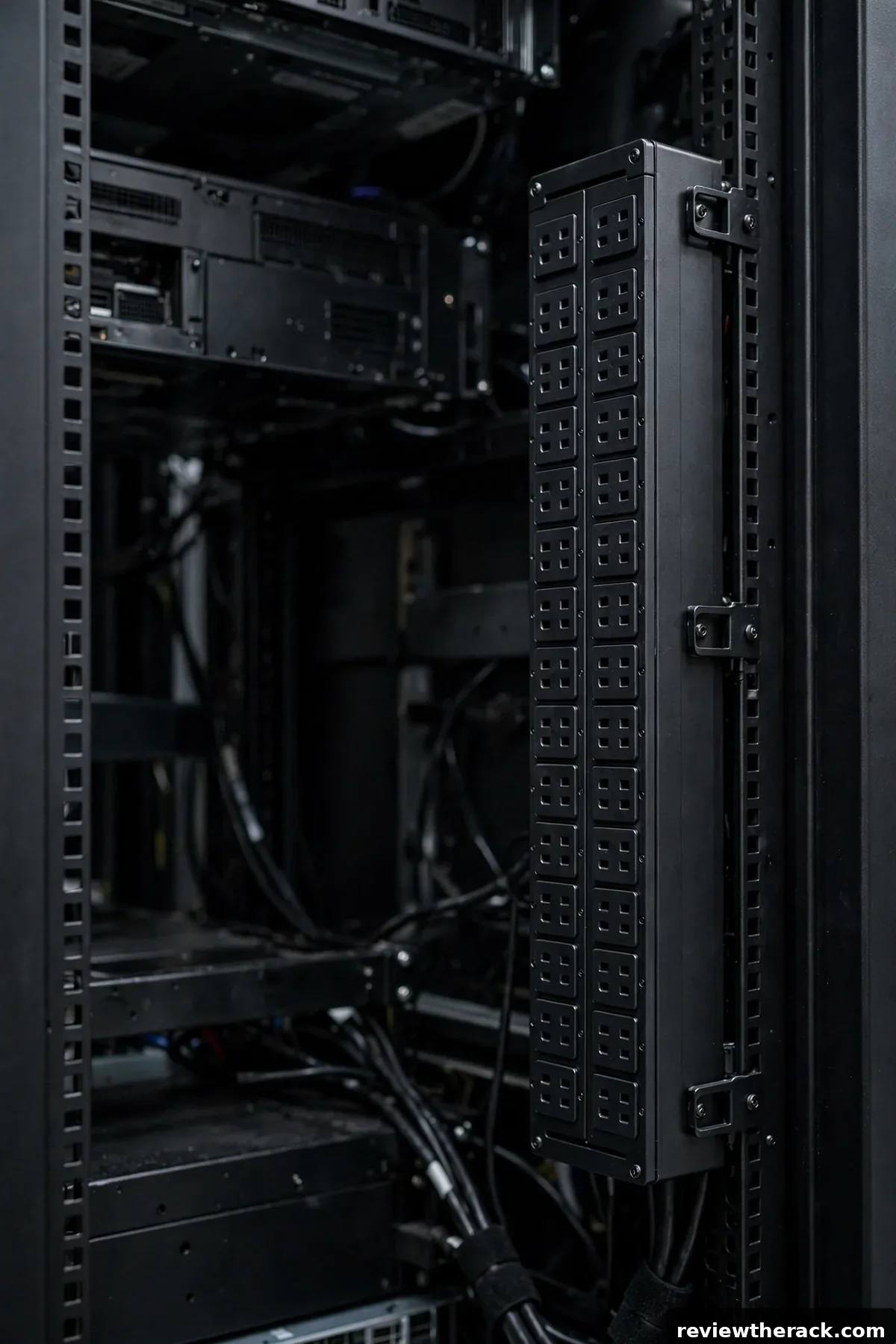
A PDU — power distribution unit — is the rack’s power strip: it takes one (or two) feed circuits and splits them into many outlets for your gear. But PDUs come in very different intelligence levels, from dumb outlet bars to network-managed per-outlet switching. Buying more intelligence than you need wastes money; buying less leaves you blind. This guide explains the four types so you can match the PDU to the rack.
The four types at a glance
Basic PDUs distribute power, period. No metering, no network, no switching — just outlets, a cord, and usually a circuit breaker. They are cheap, utterly reliable (nothing to fail but the breaker), and perfectly adequate for small racks where you already know the load and rarely touch power.
Metered PDUs add a local display showing current draw — total, and sometimes per-branch. You still cannot switch outlets remotely, but you can see the load, which makes the 80% rule enforceable and capacity planning honest. The sweet spot for most homelabs and small IT rooms.
Monitored (networked) PDUs put that metering on the network: web interface, SNMP, alerts when current crosses thresholds. You gain remote visibility and historical data without remote control. Ideal for racks you do not visit daily.
Switched PDUs add per-outlet remote power control: reboot a hung server from your desk, power-sequence gear, shed load outlets. Maximum capability, maximum cost and complexity — justified when remote hands are expensive or downtime is costly.
Which type for which rack
Homelab, single rack, you are the admin: metered is the value king. The display keeps you honest about load, and you are physically present for the rare power cycle. Basic is fine if the load is tiny and static — a network-only rack, for example.
Small business, one IT room, occasional remote need: monitored. Knowing the load remotely and getting alerts beats driving in at midnight to look at a display. Add switched only for the specific outlets that need remote reboot — many sites mix a switched PDU for critical gear with basic/metered for the rest.
Unmanned or multi-site: switched, at least for critical loads. Remote power cycling is the difference between a five-minute fix and a site visit. The cost is justified the first time it saves a trip.
The common mistake is buying switched “for future-proofing” and never logging into it. Intelligence you do not use is just cost and attack surface. Match the type to how you actually operate, as framed in how to choose the right rack size — the rack plan and the power plan are one plan.
Form factors: vertical vs horizontal
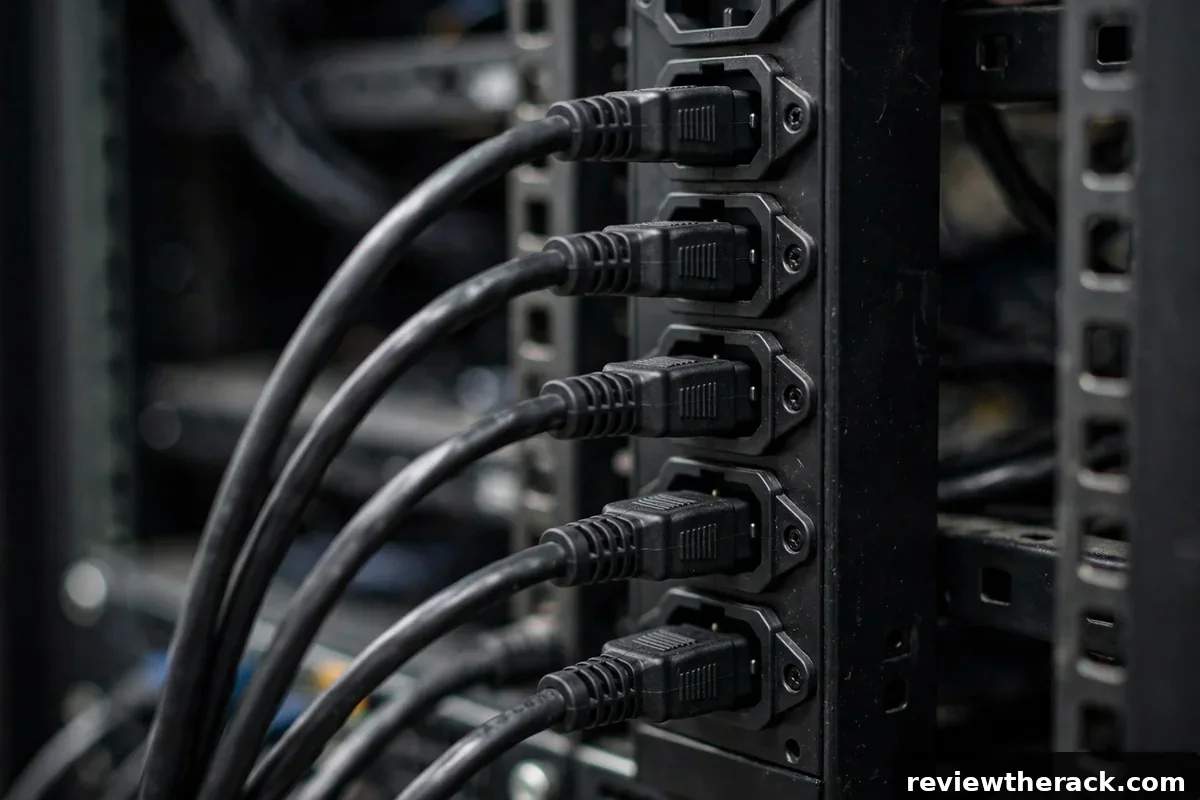
Vertical (zero-U) PDUs mount in the rear of the cabinet without consuming rail space — the default for floor-standing cabinets with depth to spare. They offer the most outlets and keep power cabling at the rear where it belongs. Check rear depth clearance: a deep PDU plus deep servers plus cable slack needs a deep cabinet — see rack depth explained.
Horizontal (1U/2U) PDUs mount like any 1U device. They suit shallow cabinets and wall-mount racks where vertical mounting is impossible, but they consume precious U and put power cables in the front cable path. Fine for small builds; a tax on big ones.
Whichever form, count outlets with spacing in mind: bulky wall-wart style plugs and right-angle connectors eat adjacent outlets. More, well-spaced outlets beat a higher outlet count on paper. And plan for two PDUs (A and B feeds) if any gear has redundant power supplies — redundancy at the PDU level is cheap insurance.
Electrical basics you must respect
PDUs do not create capacity — they distribute the circuit behind them. Know your feed: voltage (120V, 208V, 230V depending on region and wiring), amperage (15A, 20A, 30A circuits are common), and whether it is dedicated to the rack. The PDU’s rating must match or exceed the circuit, and the circuit must be dedicated — sharing a 15A circuit with office equipment is how breakers trip at the worst moment.
The 80% rule: continuous loads should not exceed 80% of a circuit’s rating. A 20A circuit gives you 16A of usable continuous capacity. Size to this, not to the breaker’s number — breakers protect wiring from faults; they are not load-management tools. Our PDU sizing guide works the full math.
Respect the work itself: adding circuits, changing breakers, or wiring new outlets is electrician territory in most jurisdictions, and electrical codes exist for good reason. The National Fire Protection Association’s codes and standards — see nfpa.org — are the reference behind safe electrical practice. Do the planning yourself; let a licensed electrician do the panel.

Features worth paying for (and ones to skip)
Worth it: a local current display (metered minimum for any real load); per-branch breakers on high-outlet-count units; locking outlets or retention clips if vibration or accidental pulls are a concern; and a cord length that actually reaches your feed without an extension (extensions on PDU feeds are a code and safety problem).
Situational: environmental sensor ports (great if you want one device watching power and temperature — see smart PDU features); high-temperature ratings for warm rooms; hydraulic-magnetic breakers for accuracy across temperatures.
Usually skippable: per-outlet metering on every outlet for a homelab (total metering suffices); exotic outlet types you do not own plugs for; and any “smart” feature requiring a cloud account you do not want. Complexity is a cost — spend it where it pays.
Common PDU mistakes
Daisy-chaining power strips off a PDU (or into it) — overloaded, unprotected, and against code in most places. The PDU is the last distribution point; everything plugs directly into it.
Ignoring inrush current. Gear draws a brief surge at power-on; a rack that idles at 10A can spike well above it when everything starts at once. Staggered power-on (a switched PDU feature, or just manual sequencing) prevents the whole rack tripping its breaker on restart.
No redundancy plan. Dual-PSU gear on a single PDU is half-redundant. Two PDUs on separate circuits (or separate UPS units) complete the picture — cheap compared to the downtime it prevents.
Single-phase vs three-phase at the rack
Most small installations live entirely in single-phase power: the standard wall outlet, scaled up to higher-amperage rack circuits. It is simple, universal, and entirely adequate into the multi-kilowatt range. Three-phase power enters the picture in larger installations — it delivers more power per conductor, balances loads across phases, and feeds high-density racks efficiently. For homelabs and small IT rooms, three-phase is almost always irrelevant: the utility feed, the panel, and the electrician costs put it firmly in commercial territory.
The practical takeaway is recognition, not mastery: if you ever inherit a space with three-phase (a commercial suite, a workshop), know that PDUs come in three-phase variants, that load balancing across phases becomes your job, and that a clamp meter becomes essential rather than optional. Until then, single-phase PDUs matched to your circuit are the entire universe — and a simpler, cheaper universe it is.
PDU redundancy patterns: A/B feeds
Serious uptime uses two power paths: feed A and feed B, each with its own PDU (ideally its own circuit, ideally its own UPS). Dual-corded gear (servers with redundant PSUs) takes one cord from each PDU — either feed can fail without dropping the load. This is the data center standard, and it scales down: even a homelab can run A/B with two small UPS units and two basic PDUs for its most critical gear.
Single-corded gear is the wrinkle: one plug, two feeds. The classic answer is an automatic transfer switch (ATS) — a small device that watches both feeds and switches the load to the live one in milliseconds. Size the ATS for the load, feed it from both PDUs, and the single-corded device gets dual-feed protection. The discipline that makes A/B work: balance the loads (neither feed should exceed what one feed can carry alone — because someday, one feed will carry it alone) and test the failover annually. Redundancy you have never tested is a rumor.
Outlet types and plug compatibility
PDUs speak in outlet standards, and matching them to your gear’s plugs is a pre-purchase check, not a post-purchase surprise. The common families: IEC C13/C14 and C19/C20 (the data-center standards — most servers and network gear use C14 inlets, taking C13 cords), and NEMA 5-15/5-20 (the familiar North American wall-outlet style, common on smaller PDUs and UPS outputs). Know which inlets your gear has before ordering the PDU — adapters exist but add bulk, cost, and failure points in exactly the place you want simplicity.
Count and mix matter as much as type: a PDU with 24 C13 outlets serves a rack of servers beautifully and a rack of wall-wart-powered gear terribly (those transformers need spacing). For mixed loads, consider PDUs with a combination of outlet types or wider outlet spacing. And remember the cord length: rack power cords come in short lengths for a reason — a 0.6 m cord from device to vertical PDU beats a coiled 2 m cord every time. Order the cords with the PDU; discovering the mismatch at installation is an avoidable delay.
Frequently asked questions
How many outlets do I need?
Count every device’s power supplies (dual-PSU gear needs two outlets), add 30–50% headroom, and round up. Running out of outlets is a common and annoying surprise — count before you buy.
Can I use a regular power strip instead of a PDU?
For a couple of low-power devices, temporarily, maybe. For a real rack: no. PDUs are built for rack mounting, rated for the load, and designed for the environment. Consumer strips are a fire-risk shortcut.
Do I need a switched PDU for a homelab?
Usually not. Metered covers the visibility need, and you are there for the rare manual reboot. Buy switched when remote hands matter.
What does “zero-U” mean?
A vertical PDU that mounts in the cabinet’s rear channels without consuming any rack units of rail space — “zero U” of the 19-inch rail grid.
Related guides: routing power cables cleanly and sizing the rack to match.

