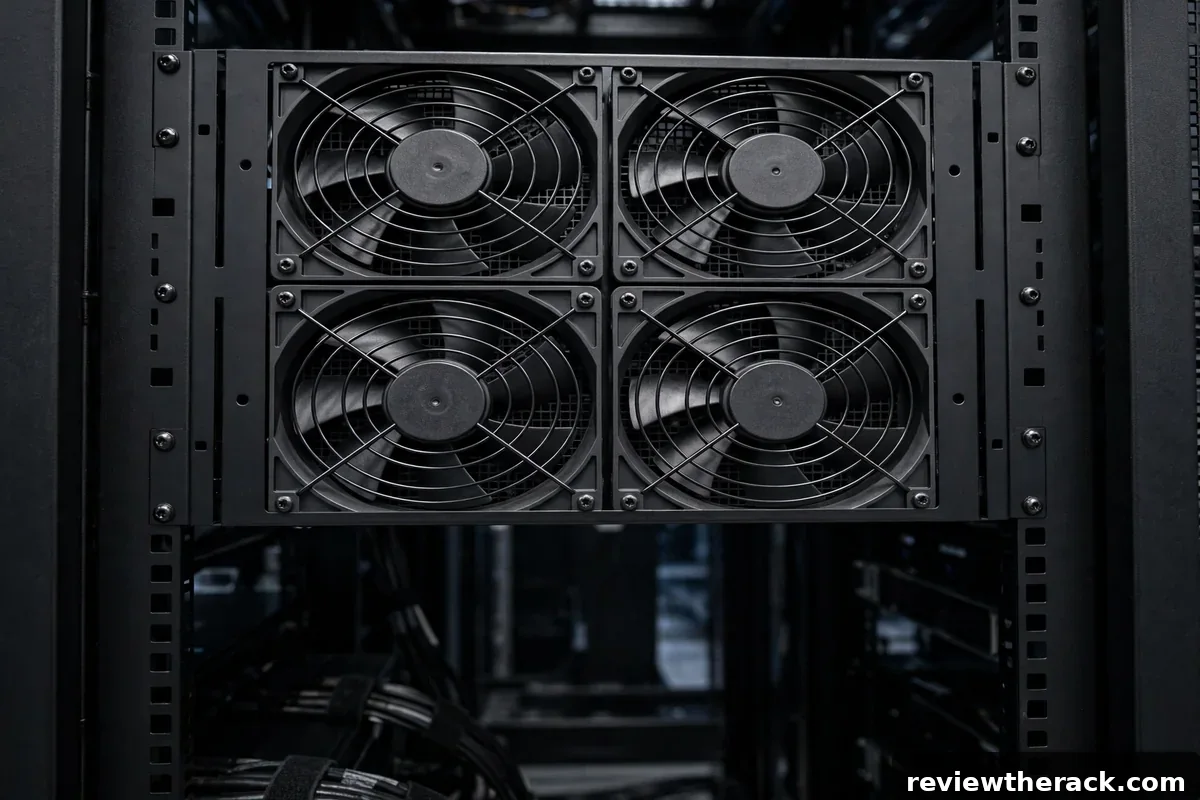
Passive airflow — cool air in the front, hot air out the back, helped by blanking panels and sensible layout — handles most small racks. But sometimes it is not enough: a closet with no ventilation, a dense stack of heat-producing servers, summer temperatures, or an enclosed cabinet with marginal vents. That is when rack fan trays earn their keep: powered fan units that mount in the rack and actively move air where passive convection falls short.
This guide covers when fan trays are actually warranted, where to mount them, how to control them, and the mistakes that make them useless or counterproductive.
When you actually need fan trays
The honest trigger is measurement, not feeling. Add active cooling when: intake temperatures stay high despite blanking panels and good layout; devices throttle or fans run at maximum constantly; the room has no practical ventilation upgrade path; or an enclosed cabinet’s passive vents cannot keep up with the installed heat load. “It feels warm” is a reason to measure; sustained high intake temps are a reason to act.
Conversely, do not add fan trays to fix problems they cannot solve. A sealed closet with no heat removal just gets hotter with more circulation — fans move heat, they do not destroy it. Fix room-level heat removal first (ventilation, exhaust, AC), then use fan trays to optimize air movement within a room that can actually shed heat. Our cooling basics guide covers that distinction.
Also rule out the free fixes first: blanking panels in every empty U, sealed cable-entry bypasses, cleared intake/exhaust paths, and dust-free filters. Fan trays on top of a leaky, unpaneled rack are lipstick on a pig — effective only after the basics are right.
Where to mount: top, side, and door
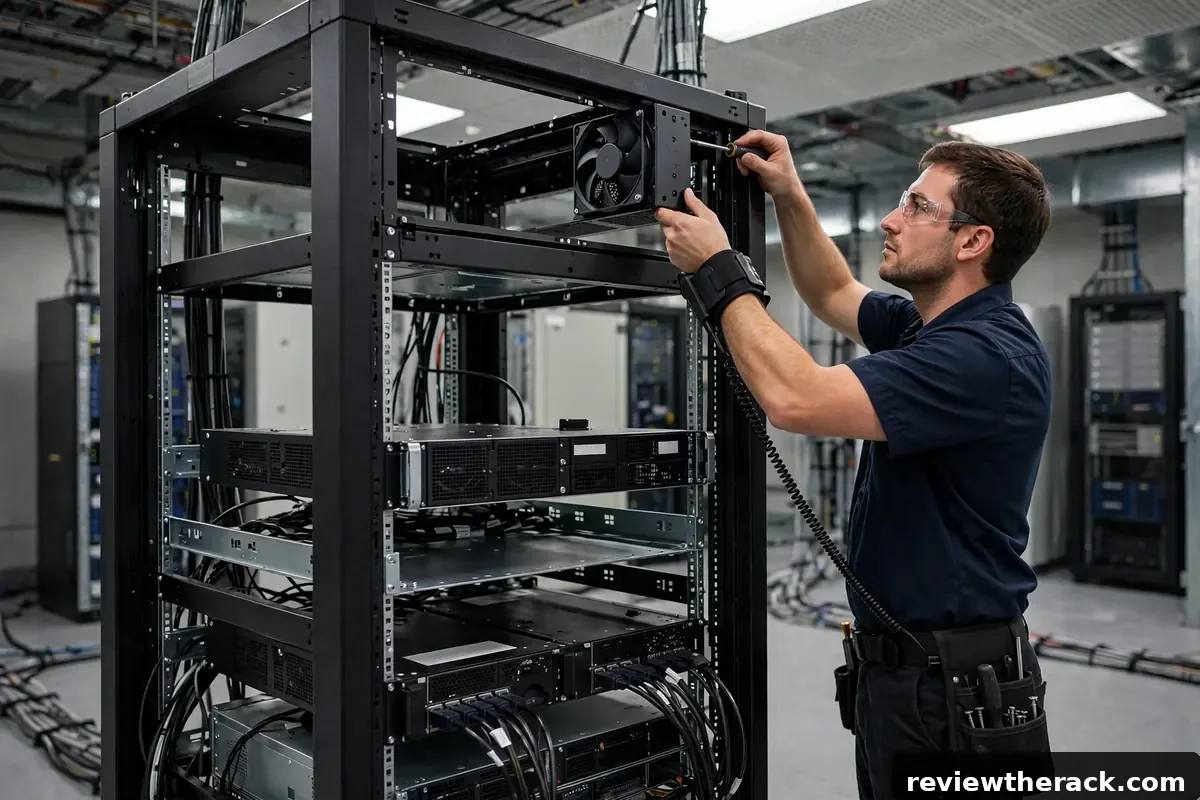
Top-mounted exhaust is the classic: heat rises, so exhausting from the top of the cabinet works with physics. Most fan trays are designed for top-panel mounting, pulling hot air up and out. This is the default choice for enclosed cabinets.
Side or rear-assisted mounting suits specific problems: a rear-door fan unit that helps push exhaust away from a tight rear clearance, or side intake fans feeding a starved front in an odd cabinet. These are targeted fixes — use them where measurement shows a specific stagnant zone.
Door-mounted fans exist for cabinets designed for them, usually pulling cool air through a perforated front door. They help when the room’s cool air does not naturally reach the rack front — for example, a cabinet in a warm corner of a larger room.
Whatever the position, respect the front-to-back design: fans should assist the intended path, never fight it. An exhaust fan fighting an intake fan, or a top intake blowing down against rising heat, wastes energy and can create dead zones. One clear direction, reinforced.
Sizing airflow to your heat load
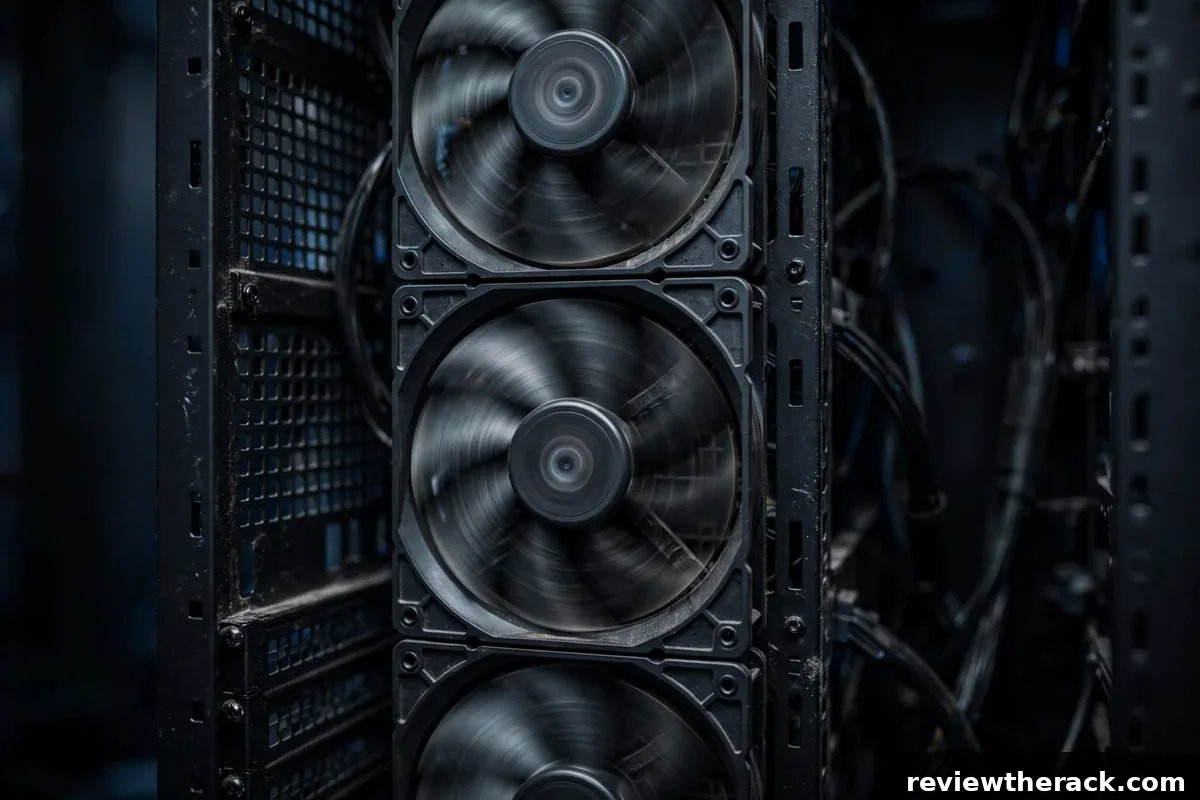
Fan specs quote airflow in CFM (cubic feet per minute) or m³/h. Sizing precisely requires the heat load in watts and some thermodynamics; the practical approach for small racks is simpler: estimate your total gear wattage (measured or from specs), and choose fan capacity that can exchange the cabinet’s air volume many times per minute with margin.
A useful sanity check: a typical 24U enclosed cabinet holds roughly half a cubic meter of air. Even modest fan trays move tens of cubic meters per hour — plenty for air exchange. The real question is whether the room can absorb what the fans push out. If the room cannot shed the heat, bigger fans just spin faster toward the same equilibrium. Size fans to the cabinet, size room cooling to the heat load.
When in doubt, choose thermostat-controlled variable-speed units over fixed-speed: they ramp with temperature, staying quiet when idle and working hard only under load. Fixed full-speed fans are cheap, loud, and wasteful — the false economy of active cooling.
Control: thermostats and fan curves
Thermostat control is the feature worth paying for. A probe placed at the hot spot (usually top-rear of the cabinet) drives fan speed: idle-slow when cool, ramping as temperature climbs. This keeps noise down 90% of the time while guaranteeing capacity when needed. Set the ramp to start below your “investigate” threshold so fans respond before you have to.
Manual speed switches are a poor substitute — they get set once (usually to max, “to be safe”) and never touched again, which means permanent noise for occasional benefit. If the budget forces a choice between more fans and thermostat control, take the control.
For the monitoring-minded, fan trays with sensor integration or smart PDU sensor ports let temperature data drive both fans and alerts from one dashboard. Overkill for a homelab, genuinely useful for unmanned small IT rooms.
Noise, power, and placement realities
Fan trays add noise — there is no silent way to move serious air. Thermostat control minimizes it, and larger, slower fans are quieter than small fast ones for the same airflow, but budget some acoustic impact. In living spaces, this pushes back toward passive-first design: panels, layout, and room ventilation doing the heavy lifting, fans as backup. Our quiet homelab guide treats active cooling as a last resort for exactly this reason.
Power draw is modest (tens of watts per tray) but not zero — include it in the PDU sizing math and UPS runtime calculations. More importantly, fan trays need power during outages if they protect critical gear: put them on the UPS-backed side of your power plan, or accept that cooling degrades when the power does.
Placement detail: keep fan trays’ airflow clear of cable bundles. A top exhaust choked by cables draped across it is a common installation own-goal — route cables to the sides and keep the fan path open.
Mistakes that waste the investment
Fighting the room: exhausting hot air into a sealed closet, or intake fans pulling from a hot aisle. Fans must connect the cabinet to cooler air and a real heat exit — coordinate with room placement.
Skipping the panels: fan trays plus empty unpaneled slots equals expensive recirculation. Panels first, fans second — always.
Over-fanning: more CFM is not more cooling past the point of good air exchange; it is just more noise. Match the fan to the need, control it with a thermostat, and stop there.
Wiring and powering fan trays
A fan tray is only as reliable as its power. Most trays accept standard mains input or low-voltage DC from an adapter — either way, power the tray from the protected side: behind the UPS, not from a wall outlet that dies with the mains. A cooling fan that stops exactly when the power fails is a fan that abandons the rack during the thermal event that follows an outage (gear keeps radiating heat while it shuts down).
Thermostat placement determines behavior: mount the sensor where it measures what matters — typically mid-rack intake or near the hottest exhaust, not pressed against a cold wall or dangling in free air. Set the turn-on threshold a few degrees above your normal peak so the fans idle silently through ordinary operation and engage only when genuinely needed. And confirm the failsafe direction: on sensor or controller failure, the tray should default to running (fail-noisy), not to stopped (fail-silent). A fan that fails off is a silent thermal trap; verify this behavior before you need it.
Fan maintenance and lifespan
Fans are wear items. Dust is the slow killer: it loads bearings, unbalances blades, and insulates motors. A quarterly cleaning — soft brush or compressed air, fans held still so they do not spin up as generators — extends life dramatically, especially in dusty rooms. Listen during the cleaning: grinding, clicking, or pitch changes are bearing wear announcing itself, and a noisy fan is a fan budgeting its replacement.
Plan for replacement, not repair: keep one spare fan (or a spare tray, for critical racks) on the shelf, and know the swap procedure before a failure at an inconvenient hour. Typical service life for quality rack fans is several years of continuous duty; cheap fans can be much less. When replacing, match airflow direction and ratings — a “stronger” fan that fights the rack’s airflow pattern cools worse than the correct one. And in multi-fan trays, consider N+1 thinking: the tray should still move enough air with one fan down, because someday, one will be.
Fan trays in wall-mount racks
Wall-mount cabinets need cooling too, and their compact geometry changes the fan tray calculus. Full-width rack fan trays rarely fit shallow wall cabinets; instead, look for compact top-mount exhaust fans or side-mount units designed for the cabinet’s depth. The principle is identical (exhaust hot air from the top, feed cool air low), but the hardware is smaller and the margins tighter — a wall cabinet’s small air volume heats faster, so thermostat response should be quicker.
Noise discipline matters more in wall-mounts because they live in occupied spaces (offices, hallways) rather than dedicated rooms. Thermostat-controlled compact fans that idle silently and ramp only under load are the right answer; fixed-speed fans in a hallway cabinet are a morale problem. And verify the mounting: the fan unit must not transmit vibration into the wall (rubber isolation mounts), because structure-borne hum through drywall is far more annoying than the same decibels in free air. Small cabinet, small fans, smart control — the formula scales down cleanly.
Frequently asked questions
How many fan trays does a rack need?
Usually one well-placed, thermostat-controlled unit suffices for small cabinets. Add more only when measurements show specific zones still running hot — more fans are not automatically better.
Do fan trays work in open-frame racks?
Poorly — open frames have no enclosure to direct airflow, so fans just stir room air. Open frames rarely need fans at all; fix the room ventilation instead.
Are USB-powered fans enough?
For tiny spot-cooling (a warm switch, a hotspot), sometimes. For cabinet-level heat, no — use proper rack fan trays with real airflow ratings.
Will fans let me skip room ventilation?
No. Fans move heat; they do not remove it from the room. A sealed hot room defeats any fan tray eventually.
Related guides: keeping fan paths clear of cables and placing the rack for real ventilation.



1 thought on “Rack Fan Trays: When and How to Add Active Cooling”