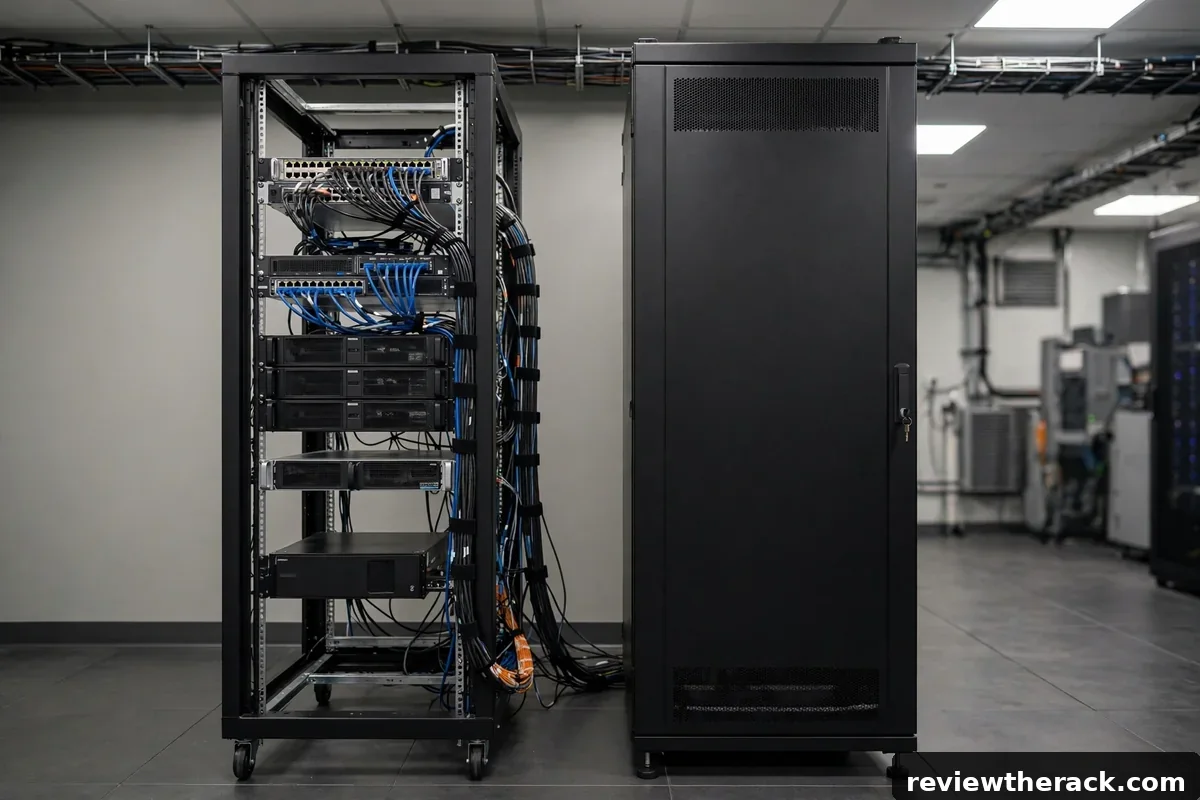
Every rack buyer faces the same fork in the road: an open-frame rack with no sides or doors, or an enclosed cabinet with panels and locking doors. Both hold standard 19-inch gear. Both come in the same U heights. But they behave very differently when it comes to airflow, noise, security, dust, and cost — and picking the wrong one is an expensive lesson.
This guide compares the two styles head to head across the dimensions that actually matter, so you can match the rack to your room instead of learning the differences the hard way.
What each style actually is
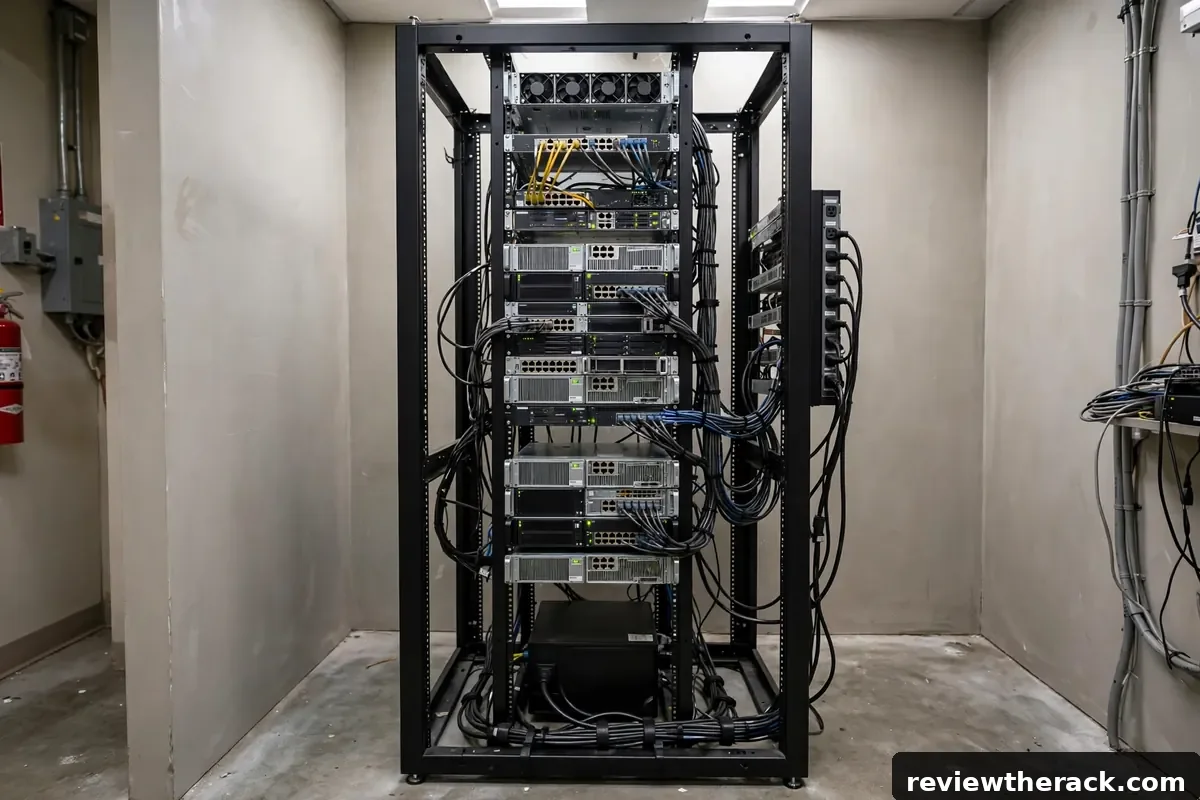
An open-frame rack is the minimalist option: two or four vertical posts joined by a base and top, with open sides, open back, and no doors. Four-post open frames support servers on rails much like a cabinet does; two-post racks suit lighter network and telecom gear. There is nothing to trap heat, nothing to lock, and nothing in the way of your hands.
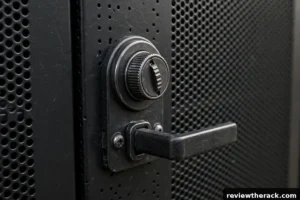
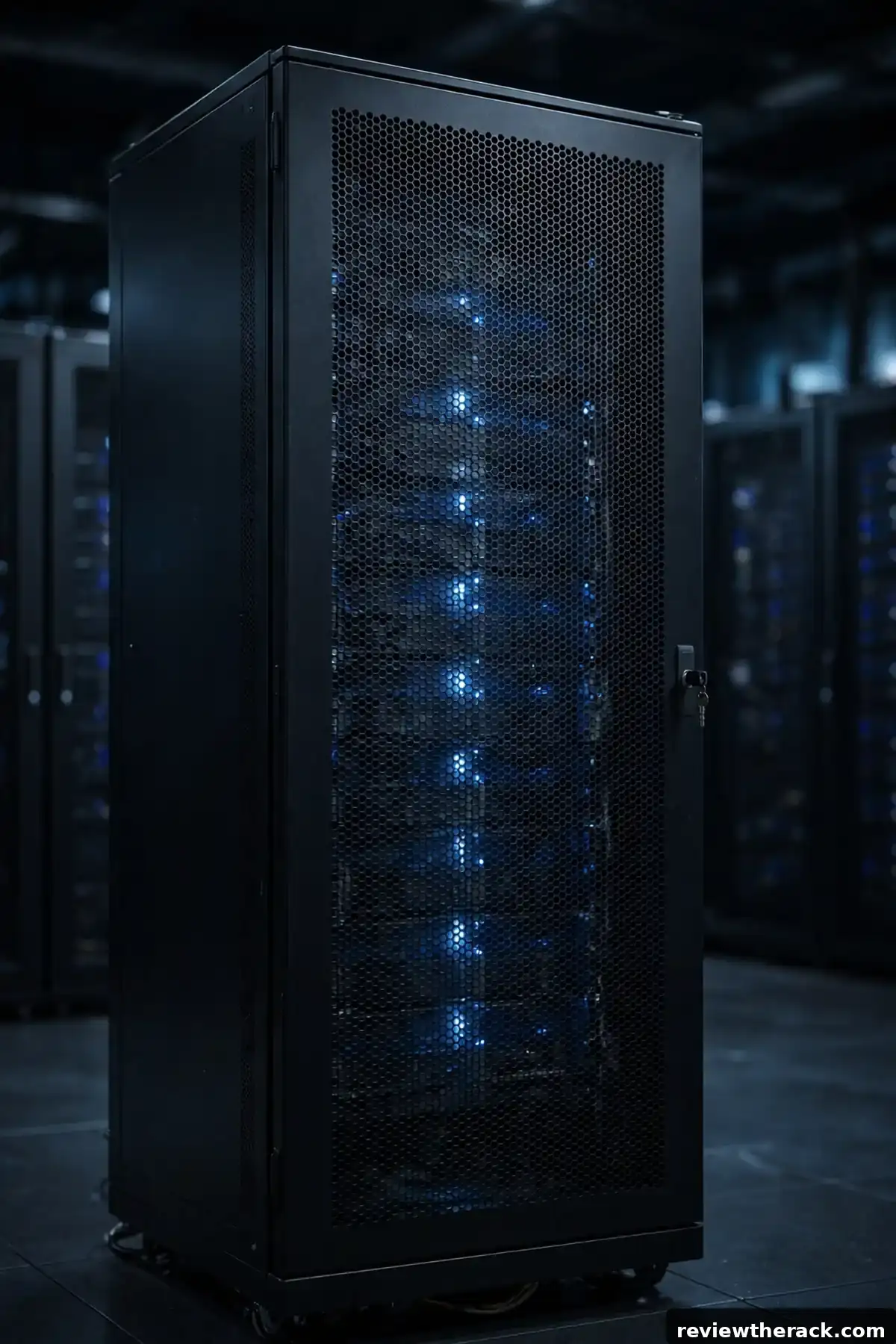
An enclosed cabinet is a box: four posts plus side panels, a front door, and a rear door — usually perforated for airflow, sometimes glass or solid. Doors lock, panels come off for service, and cable entries are managed through brush strips or cutouts. It costs more, weighs more, and demands more cooling thought, but it gives you security, dust control, and meaningful noise reduction in return.
Both styles share the same mounting standards — 19-inch width, U heights, square-hole rails — so gear moves freely between them. The choice is about the environment around the gear, not the gear itself.
Airflow: open frames win by default
Open frames are nearly impossible to cool badly. With no panels to trap heat, exhaust dissipates into the room and intake air is always available. In a climate-controlled room, an open frame with sensible layout simply works — which is why they dominate dedicated server rooms and data centers with proper HVAC.
Enclosed cabinets can cool just as well, but only by design: perforated doors with high open area, blanking panels in empty U, sensible hot/cold separation, and sometimes fan trays. A sealed cabinet with solid doors and no ventilation plan will cook its contents. If you go enclosed, read server rack cooling basics before loading it — the cabinet is only as good as its airflow plan.
The practical takeaway: if your room has good ventilation and no noise or security constraints, the open frame’s cooling simplicity is a genuine advantage. If the room is a closet or shared space, the enclosed cabinet’s controlled airflow (with fan assistance if needed) is the safer bet.
Noise, dust, and security
This is where enclosed cabinets earn their price. A closed cabinet with solid or perforated doors cuts perceived server noise substantially — not to silence, but from “unbearable in the next room” to “noticeable hum.” For homelabs in living spaces, that difference decides whether the project survives. Our quiet homelab guide goes deep on noise control.
Dust follows the same logic. Open frames in garages, workshops, or basements collect dust on every surface and fan; enclosed cabinets with filtered or brushed entries stay dramatically cleaner. Dust is not just cosmetic — it insulates heat sinks and clogs fans.
Security is binary: open frames offer none, enclosed cabinets offer locks on doors and panels. In any shared, public, or accessible space — offices, classrooms, retail back rooms — locking matters. A curious visitor can unplug an open-frame rack in seconds. See securing your server rack for the full physical-security picture.
Cost: open frames are cheaper, cabinets cost more for reasons
An open-frame rack is mostly steel posts — simple to manufacture, cheap to ship, and quick to assemble. An enclosed cabinet of the same U height adds two doors, two side panels, locks, hinges, cable entries, and often casters: more material, more hardware, more cost. Expect an enclosed cabinet to cost several times its open-frame equivalent at the same height — a qualitative band, not a quote; check current prices.
But compare systems, not boxes. An open frame in a living room may need a separate acoustic solution; an enclosed cabinet includes it. An open frame in a dusty garage may cost you in cleaning and failed fans. And if the “cheap” open frame leads to buying a cabinet a year later, it was the expensive choice. Total cost of ownership favors buying the right style once.
Which rooms suit which style
Choose open-frame when: the rack lives in a dedicated, ventilated, access-controlled room; noise does not matter; you want maximum access for frequent changes; or budget is the primary constraint. Classic fits: data closets, dedicated server rooms, well-ventilated basements.
Choose enclosed when: the rack shares space with people; noise must be contained; dust is a factor; physical security matters; or the room has limited ventilation that needs managed airflow. Classic fits: home offices, living spaces, retail and office back rooms, classrooms, garages.
Consider both when: your gear list splits naturally — a shallow wall-mount or small open frame for networking plus an enclosed cabinet for servers. Two right-sized racks often beat one compromised rack.
Hybrid approaches worth knowing
The binary choice has middle paths. Open frames with acoustic covers add noise-dampening panels to an open design — less secure than a locking cabinet but quieter than bare posts. Wall-mount cabinets are enclosed but small and shallow, suiting network gear in offices. Enclosed cabinets with the side panels removed during a build phase give open-frame access, with panels reinstalled for daily operation.
Another hybrid: start open-frame while the lab is small and the room is yours, and plan the migration path to enclosed when noise or security demands it. Racks hold their value reasonably well used, and the gear moves over in an afternoon. The key is making the switch a plan rather than a panic — which starts with honest answers about where the rack will live in two years, covered in where to put your server rack.
Maintenance and serviceability compared
Day-to-day, the styles diverge most in access speed. An open frame lets you reach any cable, any connector, any device from three sides in seconds — tracing a fault is a visual exercise, not an excavation. An enclosed cabinet trades that immediacy for order: you open the rear door (or roll the cabinet out), work through the cable managers, and close up. Neither is wrong, but the time cost per service task is genuinely lower on open frames, which is why labs that change constantly often prefer them.
Cleaning favors enclosed cabinets: panels keep the worst dust off, and a scheduled wipe-down handles the rest. Open frames in dusty rooms need more frequent attention — compressed air and a vacuum schedule, not heroics. Working around live gear is safer in cabinets (panels contain accidental contact), while open frames demand more discipline about what you touch. Match the style to your service pattern: frequent hands-on changes reward openness; stable installations reward enclosure.
Resale value and upgrade paths
Quality enclosed cabinets hold value remarkably well — steel does not depreciate like silicon, and a straight, complete cabinet sells easily on the used market. Open frames hold value too, though at lower absolute prices (there is less to them). Either way, buy with resale in mind: standard sizes (19-inch, common depths), complete hardware (all doors, panels, keys, and screws — missing parts kill resale), and reputable construction all preserve value.
Switching styles later is always possible and occasionally wise: the lab that outgrows its open frame’s noise tolerance moves to a cabinet; the office that decommissions servers repurposes the cabinet for networking. Plan the switch like a move, not a crisis — schedule a maintenance window, photograph and label everything (cable labels earn their keep here), and move in power-up sequence. The gear does not care which steel it lives in; only your planning determines whether the migration is a weekend project or a cautionary tale.
Cable management differences between the styles
Cable management philosophy differs by style. Open frames expose everything, so the management must be the neatness — vertical and horizontal managers, velcro discipline, and routing paths are not optional accessories but the entire aesthetic and functional strategy. There is nowhere to hide a lazy cable, which perversely makes open-frame owners better cable managers: the mess is always visible, so it gets fixed.
Enclosed cabinets hide sins behind doors, which enables a dangerous complacency — the interior can fossilize into a tangle nobody sees until service day. The discipline here is scheduled visibility: open the rear door quarterly, inspect, and tidy. Cabinets also offer more management real estate (deeper vertical managers, rear cable troughs), so use it: route generously, leave slack, and let the enclosure’s capacity work for you rather than as storage for deferred decisions.
Frequently asked questions
Can I put servers in a two-post rack?
Generally no — two-post racks suit light network and telecom gear. Servers need four-post support (open frame or cabinet) for their weight and rail kits.
Do enclosed cabinets overheat?
Only badly planned ones. Perforated doors, blanking panels, and sensible layout keep enclosed cabinets cool; sealed boxes with solid doors and no ventilation plan do overheat. Cooling is a design task, not a style flaw.
Is an open frame okay in a home office?
For network gear, yes. For servers, the noise usually becomes the problem — consider enclosed, or read our quiet homelab guide before committing.
Which is better for cable management?
Enclosed cabinets usually include better cable entries and managers; open frames rely on add-on managers but give unrestricted hand access. Either works with good cable habits.
Related guides: where rack cooling is heading and organizing network cabling with patch panels.