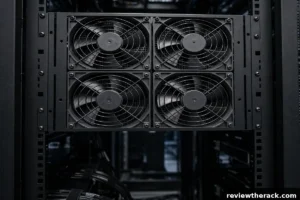
A server rack needs roughly 160 CFM of airflow for every kilowatt of heat it produces, assuming a 20°F (11°C) temperature rise from inlet to exhaust. That means a 2 kW homelab rack needs about 320 CFM, a 4 kW rack needs about 640 CFM, and a 10 kW rack needs close to 1,600 CFM. The exact number comes from a simple formula — CFM equals your heat load in BTU per hour divided by 1.08 times your temperature difference — and this guide walks through it with a real worked example, so you can size fans, fan trays, or room cooling with confidence instead of guessing.
Key Takeaways
- Every watt of power your rack draws becomes a watt of heat. Add up the watts, and you have your cooling load.
- The formula is CFM = BTU/hr ÷ (1.08 × ΔT°F), where BTU/hr = watts × 3.412.
- At the standard 20°F temperature rise, budget about 160 CFM per kW. Halve the temperature rise and you double the airflow needed.
- Fan CFM ratings are measured in free air. Inside a real rack, expect roughly 60–70% of the rated number once doors, filters, and cables add resistance.
- Keep server inlet air between 18°C and 27°C (64–81°F), per ASHRAE TC 9.9. If inlets creep above 27°C, you have an airflow problem, not a thermometer problem.
What CFM Actually Means for a Server Rack
CFM stands for cubic feet per minute — the volume of air moving through your rack every minute. It is the only number that matters when you ask “is my cooling enough,” because cooling a rack is not really about making cold air. It is about moving enough air to carry heat away as fast as your equipment creates it.
Here is the part most guides skip: a server rack does not need cold air so much as it needs moving air. A rack pulling 4 kW turns all 4 kW into heat, every second it runs. If the air moving through it cannot carry that heat out, temperatures climb no matter how cold the room feels to you standing in it. That is why a rack can overheat in an air-conditioned room — the room is cool, but the air is not reaching the server inlets at the volume the equipment demands.
Think of CFM as a conveyor belt. The belt has to be fast enough to haul away every unit of heat the moment it is produced. The formula below tells you exactly how fast.
The Simple Formula: How to Calculate Your Rack’s CFM
You only need two numbers: your rack’s total power draw in watts, and the temperature rise you will allow between the air entering the rack and the air leaving it.
Step 1 — Convert watts to heat. Every watt becomes heat, so multiply watts by 3.412 to get BTU per hour: BTU/hr = watts × 3.412
Step 2 — Apply the airflow formula. The standard sensible-heat relationship for air is: CFM = BTU/hr ÷ (1.08 × ΔT°F). The 1.08 factor is a property of standard air near sea level. ΔT is the temperature rise across your equipment in Fahrenheit. A 20°F rise (about 11°C) is the conventional design value — it matches a typical supply of 55°F and an exhaust of 75°F — and it is the number most rack cooling guides are built around.
Step 3 — Add a safety margin. Multiply the result by 1.2 to cover growth, measurement error, and the fact that nameplate power ratings are worst-case values while real loads run 10–30% lower. A 20% margin keeps you safe without wildly oversizing fans.
That is the whole method. The table below does the arithmetic for the rack sizes people actually run.
How Much CFM Does a Rack Need? The Quick Reference Table
The table below uses the standard 20°F (11°C) temperature rise. If you design for a tighter 10°F rise instead, double every number — which is exactly why a tight temperature target is so expensive in fan power and noise.
| Rack load | Heat output (BTU/hr) | Airflow needed (CFM) | What that looks like |
|---|---|---|---|
| 1 kW | 3,412 | ~160 | Small homelab: NAS, switch, one server |
| 2 kW | 6,824 | ~320 | Typical homelab with two or three servers |
| 3 kW | 10,236 | ~475 | Loaded homelab or small office rack |
| 4 kW | 13,648 | ~635 | Small business rack, eight 500 W servers |
| 5 kW | 17,060 | ~790 | Dense small-business rack |
| 6 kW | 20,472 | ~950 | Heavily loaded 42U cabinet |
| 8 kW | 27,296 | ~1,265 | High-density rack, needs real planning |
| 10 kW | 34,120 | ~1,580 | Data-centre territory, consider in-row cooling |
Notice the pattern: airflow scales linearly with load. Double the kilowatts, double the CFM. There is no shortcut around this — it is physics, not marketing.
Worked Example: Sizing Cooling for a 3.2 kW Rack, Step by Step
Let us size cooling for a realistic small-business rack instead of a textbook number. Here is the equipment list, with measured or typical draw rather than nameplate maximums:
- 6 × 1U servers at 400 W each under load: 2,400 W
- 1 × storage array: 350 W
- 2 × network switches: 250 W combined
- UPS and PDU losses (roughly 6% of load): 200 W
Total: 3,200 W.
Step 1 — Heat load. 3,200 × 3.412 = 10,918 BTU/hr.
Step 2 — Base airflow. 10,918 ÷ (1.08 × 20) = 505 CFM. That is the airflow that must actually pass through the equipment at a 20°F rise.
Step 3 — Design airflow. Add the 20% margin: 505 × 1.2 = 606 CFM. Call it 610 CFM.
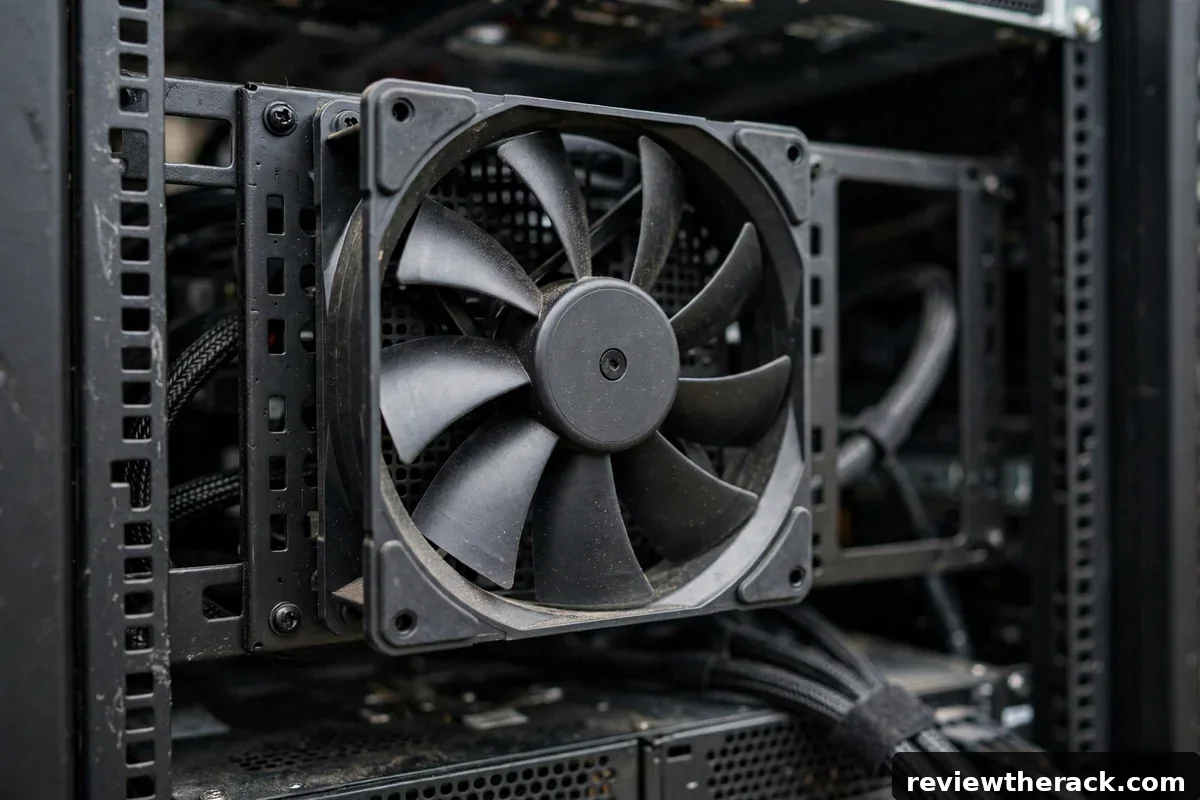
Step 4 — Check against what is installed. Suppose the rack has a 6-fan tray of 120 mm fans rated at 77 CFM each. Free-air total: 6 × 77 = 462 CFM. But installed in a rack with a perforated door and cable bundles, those fans deliver more like 60–70% of rating — roughly 280–325 CFM. That is barely half the 610 CFM the rack needs. The tray alone cannot do this job; the rack needs room-level airflow, a higher-CFM fan tray, or both.
Step 5 — Sanity-check the temperature. If only 320 CFM actually reaches the equipment, the real temperature rise becomes 10,918 ÷ (1.08 × 320) = 31.6°F. With 68°F supply air, exhaust hits nearly 100°F and inlets at the top of the rack drift well past the ASHRAE 27°C ceiling. That is the maths behind the “my top servers run hot” complaint — and it is fixable once you can see the shortfall in CFM.
If your own numbers look different, run the same five steps with your PDU’s measured load. Measured load beats nameplate ratings every time, because nameplates describe the worst case, not your Tuesday afternoon.
How Many Fans Is That? Real 120 mm Fan Specs Compared
Fan shopping gets confusing because every manufacturer quotes CFM measured in free air — no door, no filter, no cables in the way. The table below uses real manufacturer specifications for popular 120 mm fans so you can see what a single fan actually contributes, and why static pressure matters as much as CFM.
| Fan | Airflow (CFM) | Static pressure | Speed | Noise |
|---|---|---|---|---|
| Noctua NF-F12 industrialPPC-3000 | ~110 | 7.63 mm H2O | 3,000 RPM | Industrial, loud at full speed |
| ASUS TUF Gaming TR120 | 77.4 | 3.3 mm H2O | 2,000 RPM | 29 dB(A) |
| ASUS TUF Gaming TF120 | 76 | 2.5 mm H2O | 1,900 RPM | 29 dB(A) |
| Lian Li Uni Fan SL-INF (120 mm) | 65.7 | 2.85 mm H2O | 2,200 RPM | Quiet-focused design |
Three lessons fall out of this table. First, the Noctua moves the most air because it spins fastest and pushes hardest — but at 3,000 RPM it is far louder than the 29 dB(A) ASUS fans, which is why it belongs in a garage or dedicated room rather than a living-room homelab. Second, static pressure is the number that decides whether a fan still delivers its rated CFM once it is fighting a perforated door and a nest of cables; a high-CFM fan with weak static pressure can collapse to a fraction of its rating in a real rack. Third, four 77 CFM fans do not give you 308 CFM of cooling in practice — plan on 60–70% of the summed free-air rating and verify with a temperature probe at the top-rear of the rack.
For a deeper look at choosing the tray itself, see our rack fan tray guide.
The Temperature Target: How Cool Is Cool Enough?
ASHRAE Technical Committee 9.9 recommends keeping IT equipment inlet air between 18°C and 27°C (64.4°F to 80.6°F). That range is wider than most people expect, and it matters: every degree warmer you allow at the inlet is a degree less cooling work you have to do, and a degree less fan noise you have to live with.
The temperature rise (ΔT) you design for is a choice, not a law of nature. A 20°F rise is the standard because it balances airflow volume against exhaust temperature. Design for a 10°F rise and you need twice the CFM — twice the fans, roughly eight times the fan power, and dramatically more noise, because fan power rises with the cube of speed. Design for a 30°F rise and you need a third less airflow, but exhaust air runs hot enough to warm everything downstream, including the rack above it.
For a homelab, the practical target is simple: measure the inlet temperature at the top of the rack, where hot air collects. If it sits below 27°C while the rack is under load, your cooling is adequate. If it creeps above, add airflow or remove the obstruction before you buy a bigger air conditioner — the air conditioner was rarely the bottleneck.
5 Signs Your Rack Isn’t Getting Enough Airflow
- The top of the rack runs much hotter than the bottom. Heat rises, and the top servers breathe the exhaust of everything below them. A difference of more than 5°C between the bottom and top inlets means air is recirculating instead of flowing front-to-back.
- Fans scream at full speed all day. Server fans ramp up when inlet air is hot. If they never spin down, they are compensating for starved airflow, and the noise is a symptom, not the problem.
- Blanking panels are missing. Every empty U without a blanking panel is a hole that lets cold supply air bypass the servers and mix straight into the hot exhaust. Filling them is the cheapest cooling upgrade that exists.
- Cables block the rear exhaust. A dense knot of cables behind the servers acts like a dam. Route cables to the sides and use vertical managers so exhaust air has a clear path out.
- The room feels cool but the rack is hot. This is the classic sign of an airflow problem rather than a capacity problem. Cold air exists — it just is not reaching the inlets. Check door perforation, fan direction, and whether the rack is pushed against a wall.
If you are still planning the layout, our guides to server rack cooling basics and hot aisle / cold aisle layouts for small rooms cover the room-level fixes in detail.
Common Mistakes That Waste Cooling
Buying fans by CFM alone. A fan rated at 110 CFM in free air can deliver half that against a restrictive door. Check static pressure, and remember that real installations derate every fan.
Mixing intake and exhaust. Fans fighting each other — one row blowing in while the row above blows out — create turbulence that moves air in circles instead of through the servers. Keep one direction: cool air in the front, hot air out the back.
Cooling the room instead of the rack. A portable air conditioner blasting cold air into the room does little if the rack’s front is blocked by a solid door. Airflow path beats raw refrigeration almost every time at homelab scale.
Ignoring growth. A rack that needs 320 CFM today needs 500 CFM after two more servers arrive. Size for the rack you will have in a year, not the one you have this week — the 20% margin in the formula exists for exactly this reason.
For the power side of the same calculation — how many watts your rack actually draws — see our guide to how much power a server rack uses.
Frequently Asked Questions
How many CFM per kW does a server rack need?
About 160 CFM per kW at the standard 20°F (11°C) temperature rise. A 2 kW rack needs roughly 320 CFM, a 4 kW rack about 640 CFM, and a 10 kW rack about 1,600 CFM. If you design for a tighter 10°F rise, double those numbers.
Can I just add more fans if my rack runs hot?
More fans help only if they increase air actually passing through the servers. If blanking panels are missing or cables block the exhaust, extra fans mostly stir the same hot air around. Fix the airflow path first, then add fans to reach your calculated CFM.
Do I need air conditioning, or will fans be enough?
Fans move heat; they do not remove it from the room. If the room itself keeps warming up, you need air conditioning or ventilation to reject heat outdoors. Fans alone are enough only when the room can shed the heat — through a cool basement, an exhaust vent, or an air conditioner sized to the rack’s kilowatt load.
What CFM is a typical 120 mm fan?
Between about 65 and 110 CFM in free air, depending on the model — for example, the Lian Li Uni Fan SL-INF is rated at 65.7 CFM, the ASUS TUF TR120 at 77.4 CFM, and the Noctua NF-F12 industrialPPC-3000 at around 110 CFM. Expect 60–70% of the rated figure once the fan is installed in a real rack.
How do I measure my rack’s actual airflow?
The practical method is temperature, not an anemometer. Measure the inlet temperature at the front of the top server and the exhaust temperature at the rear while the rack is under load. If the rise is near 20°F and inlets stay under 27°C, airflow is adequate. A rise far above 20°F means the rack is starved of air.
Bottom Line
Cooling a server rack is an arithmetic problem, not a guessing game. Add up the watts, convert to BTU per hour, divide by 1.08 times your temperature rise, and add a 20% margin — that is your CFM target. Most homelab racks land between 300 and 650 CFM, which a good fan tray plus a clear front-to-back airflow path can deliver. Measure your inlet temperature at the top of the rack under load, and if it stays under 27°C, you are done. If it does not, fix the airflow path before you buy more cooling hardware — the maths will tell you exactly how much air you are missing.