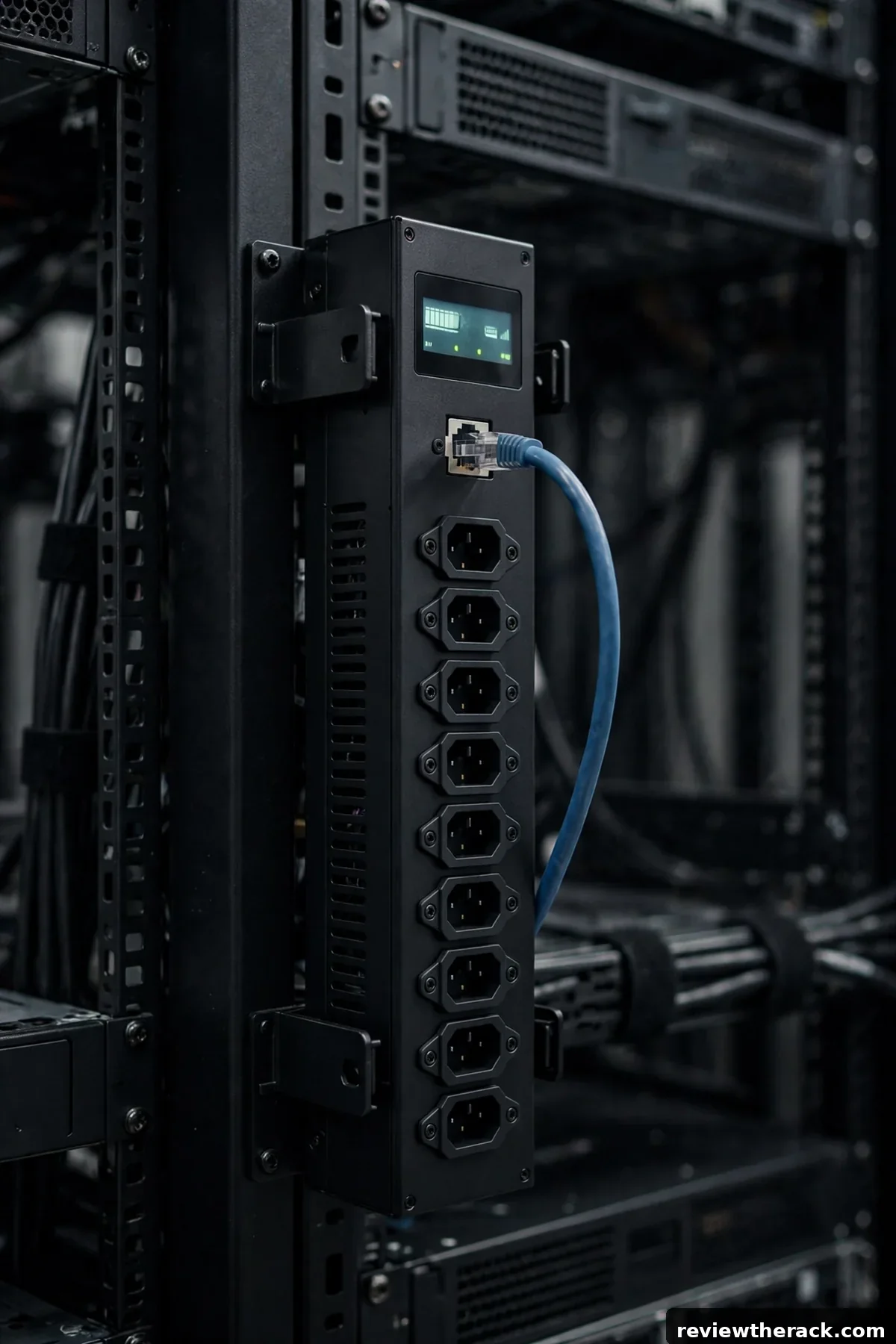
PDUs are getting smarter: per-outlet metering, remote switching, and environmental sensor ports that used to be enterprise luxuries now appear at prices small sites can consider. But “smart” is a spectrum, and every step up costs money, complexity, and attack surface. This 2026 framework helps you decide which smart PDU features genuinely earn their keep in a homelab or small IT room — qualitatively, without vendor hype.
The 2026 feature landscape
Per-outlet metering shows current draw per socket, not just the PDU total. Useful for finding the mystery load, balancing phases, and proving which device trips the breaker. Remote outlet switching power-cycles individual outlets over the network — the “reboot the hung server from home” feature. Environmental sensor ports accept temperature/humidity probes, turning the PDU into a mini monitoring station. Threshold alerting (email, SNMP traps, webhooks) notifies you before a problem becomes an outage.
Newer refinements showing up more widely: higher outlet density, combo outlets accepting multiple plug types, color-coded outlet banks for A/B feed identification, and better APIs for pulling data into your own dashboards. None of these change what a PDU is; they change how much you know and control.
The baseline still matters most: correct amperage, correct voltage, correct plug, enough well-spaced outlets, and solid branch protection — see PDU types explained and sizing a PDU. Smart features are toppings; the electrical fundamentals are the meal.
What is worth it: a decision matrix
Per-outlet metering — worth it when: you chase power hogs, balance loads across phases or branch circuits, or bill/allocate costs. Skip when: total metering already answers your questions — most homelabs never need per-outlet granularity.
Remote switching — worth it when: the rack is remote, unmanned, or a long drive away; or hung devices are a recurring reality. Skip when: you are always nearby — a manual power cycle is free.
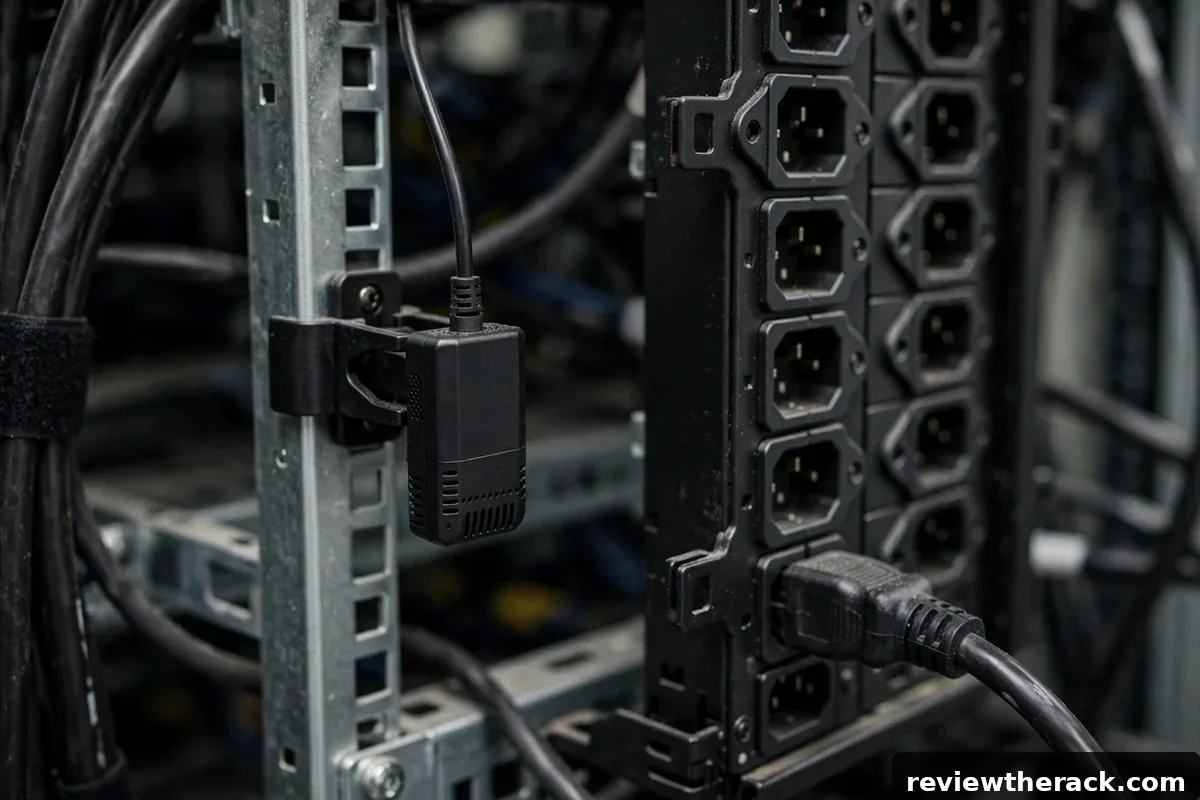
Sensor ports — worth it when: the rack sits somewhere you do not visit daily, or you want power and environment in one managed device. Skip when: a standalone $20 sensor covers it — simpler and cheaper.
Alerting — worth it when: paired with a real response plan (someone gets the alert and acts). Skip when: alerts go to an inbox nobody reads — unmonitored monitoring is theater.
The hidden costs: security and complexity
A networked PDU is a networked computer — with a web interface, credentials, firmware, and vulnerabilities. Change default credentials immediately, put PDUs on a management VLAN or isolated network segment, keep firmware updated, and disable cloud features you do not use. A PDU that can switch your outlets is a high-value target; treat it like infrastructure, not an appliance.
Complexity costs reliability too: more features mean more firmware, more configuration to back up, and more that can misbehave. A basic metered PDU has almost nothing to fail; a fully smart one needs the same care as a small server. Budget the operational cost — updates, credential rotation, config backups — not just the purchase price.
A sensible monitoring playbook
If you go smart, make the data work: alert on current thresholds (80% of circuit rating — the same rule from sizing), on temperature via sensor ports (intake air trending wrong), and on device unreachable (the PDU going dark is itself an alert). Log trends, not just alarms — the slow current creep of a growing rack is visible months before it becomes a tripped breaker.
Integrate modestly: pull PDU data into whatever dashboard you already use rather than building a monitoring stack around the PDU. And keep a local fallback — if the network dies, you should still be able to read the PDU’s display and switch critical outlets by hand. Remote management is a convenience layer over local control, never a replacement.

Buying advice for 2026
Buy the least intelligence that covers your operating reality, from a maker with a real firmware-update history. Prioritize: correct electrical specs first, metering level second (total vs per-outlet), switching third, sensors fourth. Avoid cloud-dependent features for core functions — local web/SNMP access should work without the internet. And confirm outlet types and spacing against your actual plugs; the smartest PDU is useless if your connectors do not fit.
Price-wise, each intelligence step up costs real money — qualitative bands only, check current prices. The value test is operational: will you use per-outlet data monthly? Will remote switching save a real trip this year? Honest answers keep the budget on features that pay.
Environmental sensors: the underrated add-on
The most valuable smart PDU feature might not be per-outlet anything — it is the sensor ports. Temperature and humidity probes, clipped at intake height in the rack, turn the PDU into an environmental monitor: the device that already has network connectivity and alerting now watches the conditions its own load creates. A temperature probe costs little and answers the most common rack question (“is it too hot in there?”) with data instead of anxiety.
Placement determines value: intake-side, mid-rack height for the representative reading; a second probe at the top of the rack catches stratification; and in rooms with any water risk (basements, spaces with plumbing above), a leak-detection rope on the floor is the cheapest insurance in the building. Set alert thresholds with hysteresis (alert at 30°C, clear at 28°C — not a single flapping threshold), and route environmental alerts alongside power alerts: heat and power are the same story told two ways. The PDU already monitors the electrons; let it watch the air too.
Integrating PDU data into your monitoring stack
PDU telemetry locked in a vendor portal is a missed opportunity. The 2026 expectation: your PDU speaks your monitoring stack’s language — SNMP for the traditionalists, REST APIs and MQTT for the modern homelab, all feeding the same dashboards and alerting that watch the rest of the infrastructure. When rack power draw appears next to server load and room temperature on one screen, capacity planning stops being guesswork.
The practical integration path: start with SNMP polling into whatever you already run (even a simple poller logging to a time-series database), graph per-outlet or per-PDU draw over weeks, and set alerts on trend anomalies (a server whose idle draw doubles has a story to tell) rather than only on absolute thresholds. Document the OIDs or API endpoints you use — future-you reconfiguring the stack will thank present-you. And keep the PDU’s own alerting as the backstop: if your monitoring stack dies, the PDU should still be able to shout directly. Two alerting paths, one truth.
Firmware updates and lifecycle management
A smart PDU is a network-connected computer that happens to switch power — and like every networked computer, it needs firmware maintenance. The 2026 reality: PDU firmware updates patch real vulnerabilities (these devices have been attack targets precisely because they are always-on and rarely patched), add features, and fix the occasional outlet-control bug. An unpatched PDU is a network liability with a power cord.
Build a firmware routine: inventory firmware versions across all PDUs (the monitoring integration from the previous section makes this trivial — add version to the dashboard), subscribe to vendor security advisories, and schedule updates during maintenance windows — because a PDU reboot during a firmware update drops its outlets unless the unit is designed otherwise (verify this behavior in the manual, not during the update). Test updates on one unit before fleet-wide rollout, keep a rollback plan, and document the versions. The discipline is identical to server patching; the only difference is that the blast radius includes the power itself.
Hardening the PDU itself
Network-connected power control is a high-value target: an attacker who reaches the PDU interface can power off the entire rack. Harden accordingly. The basics, non-negotiable: change default credentials immediately (PDU default passwords are public knowledge), place the management interface on a dedicated management VLAN isolated from user traffic, disable unneeded services (telnet, unencrypted HTTP — if the PDU still offers them in 2026, turn them off), and enable HTTPS with a proper certificate where supported.
The next layer: role-based access (the monitoring system gets read-only SNMP; only administrators get outlet control), audit logging of every outlet switch (who powered off what, when — invaluable after incidents), and firmware signed by the vendor (verify before applying). Review PDU access annually alongside the rest of the access review — the device everyone forgets is the device most worth remembering. A smart PDU is infrastructure; secure it like infrastructure, not like an appliance.
Key takeaways
- Buy monitoring you will actually use: per-outlet metering and environmental sensors beat exotic features that stay unconfigured.
- Feed PDU telemetry into your existing monitoring stack (SNMP/API) and keep the PDU’s own alerting as the backstop.
- A network-connected PDU is a high-value target — change defaults, isolate the management VLAN, and patch firmware on schedule.
- Start with one smart PDU on the most critical rack and expand based on what the data teaches you, not the brochure.
Frequently asked questions
Do smart PDUs need internet access?
No — and they should not have it. Manage them over your local network or management VLAN. Cloud features are optional conveniences, not requirements.
Can a smart PDU replace a UPS?
No. PDUs distribute and manage power; they do not store it. Pair smart distribution with a properly sized UPS — see UPS sizing.
Is per-outlet metering worth it for a homelab?
Rarely. Total metering plus a plug-in meter for spot checks covers homelab needs at a fraction of the cost and complexity.
What is the biggest smart-PDU mistake?
Leaving default credentials on a network-reachable device that can switch your power. Change them during installation, every time.
Related guides: placing the rack you will monitor remotely and choosing the rack style first.

