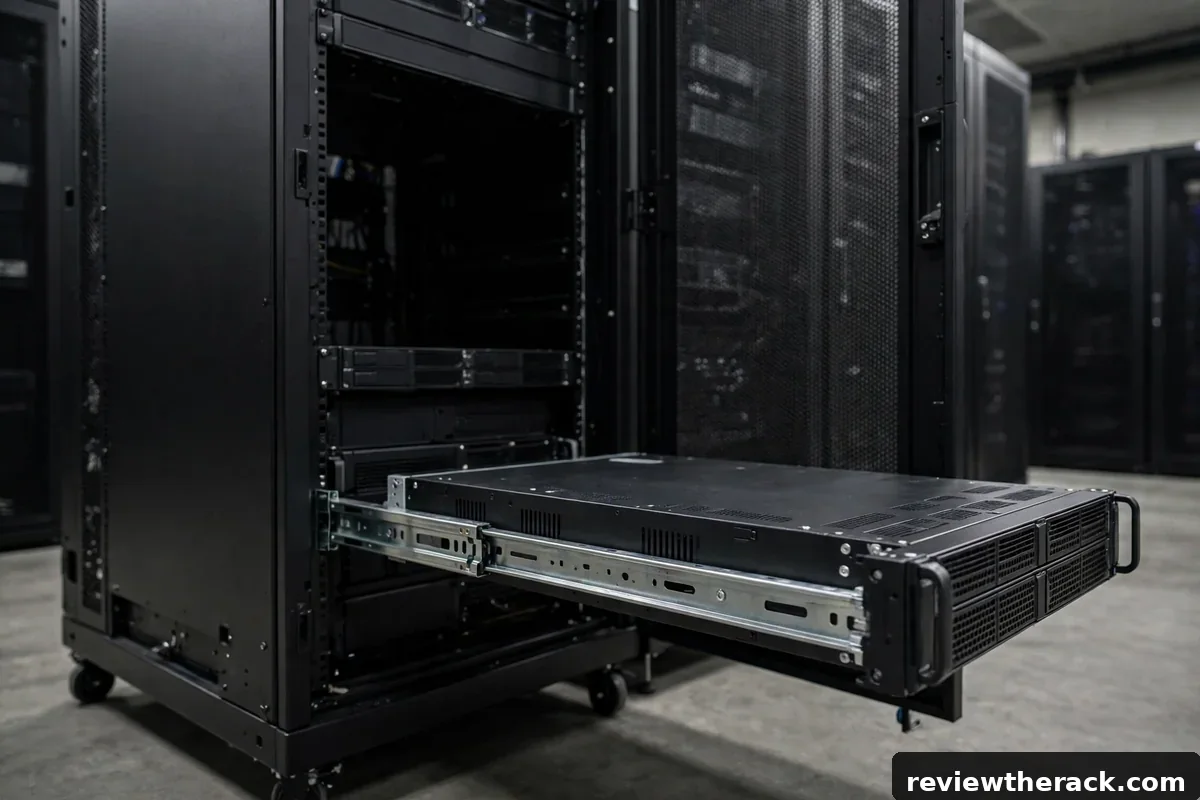
Rack height gets all the attention, but depth is the dimension that decides whether your servers physically fit. U height is standardized; depth is not. Cabinets range from shallow 450 mm wall-mount boxes to 1200 mm deep floor-standing cabinets, and a server that is 50 mm too long for its cabinet is a very expensive paperweight. This guide explains how depth is measured, what the standard depths suit, and how to measure your gear so you buy once.
The core idea is simple: every device has a mounting depth (front ear to rear), every cabinet has a usable depth (front rail to rear rail, minus cable clearance), and the first must be smaller than the second with room to spare for cables. Get that inequality right and depth stops being scary.
How depth is measured
Three measurements matter. Device depth is the chassis length from the front mounting ears to the rearmost point — including handles, protruding connectors, and anything else that sticks out back. Measure it yourself with a tape; spec sheets sometimes quote chassis depth without handles. Cabinet mounting depth is the distance between the front and rear mounting rails, usually adjustable in 25–50 mm increments on better cabinets. Overall cabinet depth includes doors, frames, and panels — the number that must fit through your doorways and into the room.
The number you actually plan around is usable depth: mounting depth minus the space cables need behind the device. Power and network cables need bend radius — typically 75–100 mm of slack behind the rearmost connector. A server measuring 720 mm deep needs roughly 800–820 mm of mounting depth to be serviceable, not merely insertable. “It fits if I force the door” is not fitting.
Note that rails consume depth too. Sliding rail kits add 50–100 mm of mechanism around the chassis, and cable management arms sweep an arc behind the server when extended. If you plan to use cable arms — see cable arms vs trays vs rings — budget their swing into the depth math.
Standard depths and what fits in them
450–600 mm: network and AV depths. Patch panels, switches, small firewalls, and shallow appliances live here. Wall-mount cabinets cluster in this range. Do not plan full-depth servers in these cabinets — they will not fit, full stop.
600–800 mm: the versatile middle. Short-depth servers, most UPS units, and deeper network chassis fit. Many 12U–24U floor-standing cabinets sit at 800 mm, which handles a surprising amount of homelab and small-business gear.
800–1000 mm: general server territory. Standard 19-inch servers, storage chassis, and rail kits with cable arms are designed around this range. If you run full-depth servers and are unsure, 1000 mm is the safe default.
1000–1200 mm: deep builds. Long storage chassis, high-density servers with deep cable arms, and installations that need generous rear cable management. You pay in floor space and price, but nothing common fails to fit.
Measuring your gear: the 5-minute method
Grab a tape measure and your longest device. Measure from the front mounting ear (the flat tab with the holes that bolts to the rail) to the farthest rear point — handle, connector, or cable plug, whichever sticks out most. Write that number down; it is your device depth. Repeat for the second-longest device if they differ significantly.
Add cable clearance: 75 mm minimum, 100 mm comfortable, more if you use thick power cables or cable arms. The sum is your required mounting depth. Now compare against cabinet specs, looking specifically for “mounting depth” or “usable depth” — not overall depth, which includes doors. If a cabinet lists 1000 mm overall but only 850 mm of mounting depth, plan around 850.
For used gear without specs, this physical measurement is the only trustworthy number. Spec sheets for older servers sometimes quote chassis depth excluding the handles that add 40–60 mm. When the listing and the tape disagree, the tape wins.
Adjustable rails and depth flexibility
Better cabinets let you slide the rear rails forward or back, adjusting mounting depth in steps. This is genuinely useful: it lets you tune the cabinet to your gear, pull rails forward for shallow devices to reduce wasted space, or push them back for long servers. When comparing cabinets, check the adjustment range, not just the maximum — a cabinet adjustable from 600 to 900 mm is more versatile than a fixed 800 mm one.
Adjustable depth also helps with mixed gear. Mount shallow network devices toward the front on short rails and full-depth servers on the full span, keeping cable paths sane. Just remember that moving rails changes where cable slack lands; re-check rear clearance after any adjustment.
One caution: the cheapest cabinets sometimes advertise adjustable rails that are fiddly to actually adjust — captive nuts that spin, or rails that only lock at two positions. If adjustability matters to your plan, it is worth confirming the mechanism feels solid rather than assuming.

The classic depth mistakes
Buying the U count, ignoring depth. “24U” describes height only. A 24U cabinet at 600 mm deep and one at 1000 mm deep share nothing but the U number. Always shop by U and depth together.
Trusting overall depth. A cabinet listed as 800 mm deep might offer only 650 mm of mounting depth once doors and frames are accounted for. The mounting-depth figure is the one that must exceed your device depth plus cable clearance.
Forgetting the doors. Front doors — especially glass or perforated ones with frames — add 50–100 mm. Rear doors with cable bulges add more. Measure the room against overall depth with doors closed and open, and confirm the cabinet fits through every doorway on the delivery path.
No rear service clearance. A cabinet pushed against a wall cannot be serviced from behind. Budget at least 600 mm of clear space behind a deep cabinet, or plan to roll it out on casters for service. This is a room-planning issue as much as a buying issue — see where to put your server rack.
Depth and form factor
Depth interacts with every form-factor choice. Wall-mount cabinets are shallow by design — typically 450–600 mm — which is why they suit network gear and rule out servers. Open-frame racks often have adjustable depth and no doors to interfere, making them forgiving for odd-sized gear. Enclosed cabinets are where depth discipline matters most, because the doors set hard limits.
If your gear list mixes shallow network devices and deep servers, consider a deep cabinet and mount the shallow gear toward the front, or split into two racks: a shallow wall-mount for networking and a deep floor cabinet for servers. Two right-sized racks often beat one compromised rack — a theme we revisit in open-frame vs enclosed and homelab starter planning.
Depth budgeting for cables, not just chassis
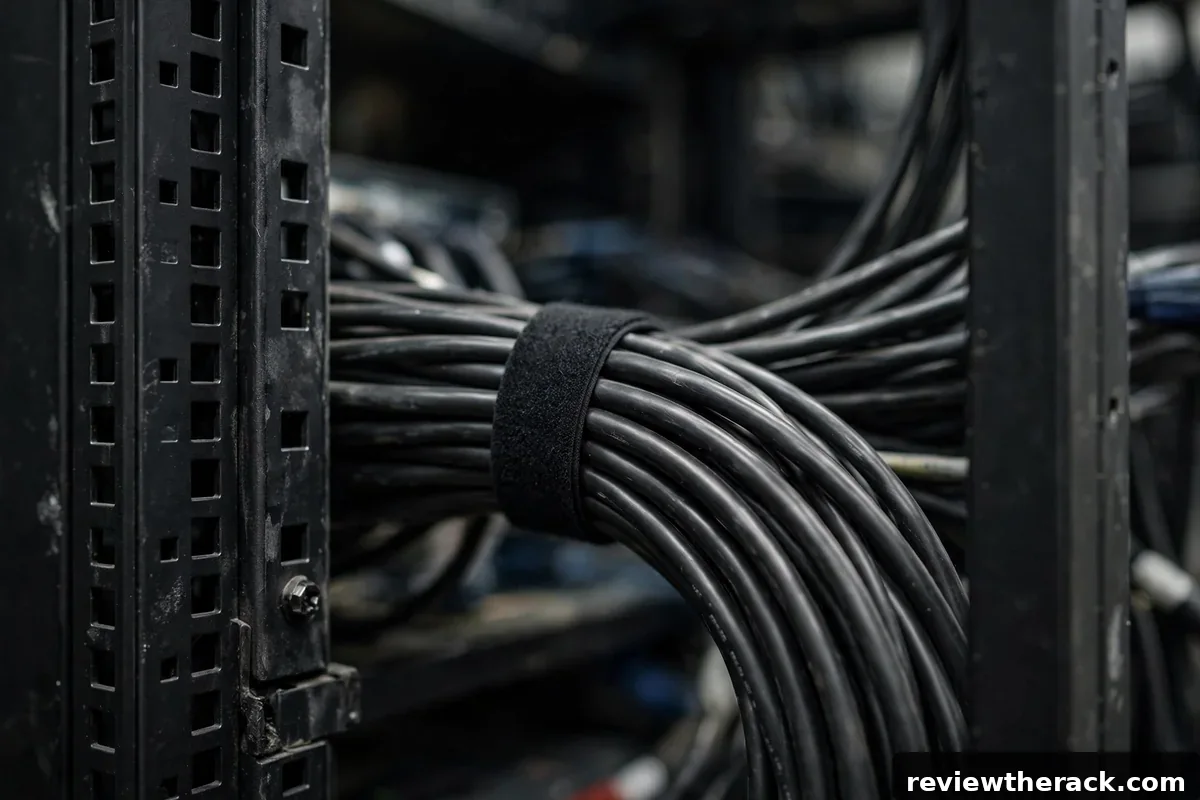
Beginners measure the server and buy the cabinet. Veterans measure the server plus everything behind it and buy the cabinet. The rear of a working rack holds: power cables with their bend radius, PDU bodies (vertical PDUs consume 50–80 mm of rear depth), cable management arms swinging through their arc, and service slack for sliding gear. None of this appears on the server’s spec sheet, yet all of it lives in the same depth envelope.
Build a depth budget the way you build a power budget: chassis depth + rail travel + cable bend radius + PDU depth + arm swing + a comfort margin. For a typical 700 mm server with arms and vertical PDUs, the honest requirement often lands 200–300 mm beyond the chassis alone. Cabinets are commonly sold in 800, 1000, and 1200 mm depths — when the budget lands between sizes, round up. Depth you do not need is harmless; depth you lack is a rebuild.
The wall-mount corollary: shallow wall cabinets (450–600 mm) work beautifully for network gear and short-depth servers, and fail completely for full-depth servers with arms. Match the depth class to the gear class, and remember that the cable entries and brush strips at the rear also consume a few centimeters that shallow cabinets cannot spare.
What actually fits in shallow racks
Shallow racks are not lesser racks — they are specialized racks. Short-depth network switches, patch panels, shallow storage shelves, and compact servers designed for 500–600 mm mounting all live happily here. The mistake is treating a shallow cabinet as a cheap full-depth cabinet and discovering the mismatch when the server rails arrive.
Before buying shallow, verify three numbers for every device you plan to mount: the device’s mounting depth (rail hole to rail hole, not the chassis length), the connector overhang (power and network plugs extend past the rear), and the service clearance (can you reach the rear to plug things in?). If any device fails the check, it does not belong in that cabinet — no amount of optimism changes steel. For mixed-depth gear, the honest answer is usually a full-depth cabinet with the shallow devices mounted toward the front.
Frequently asked questions
What is a good rack depth for a homelab?
800 mm suits most homelabs with short-depth servers; 1000 mm is the safe choice if you run full-depth servers or might add them later. Measure your longest device first — the answer follows from that number.
Can a server stick out the back of a rack?
Physically sometimes, sensibly never. Protruding gear blocks rear doors, strains connectors, violates cable bend radius, and looks terrible. Buy the depth your gear needs.
Are rack rails universal across depths?
No. Rail kits are built for depth ranges, and server rails in particular expect certain cabinet depths. Check the rail kit’s supported depth range against your cabinet’s mounting depth before buying.
Does deeper mean better cooling?
Not automatically. Extra depth gives cables room and prevents blocked exhaust, which helps, but cooling is mostly about airflow paths and blanking panels — see cooling basics.
Related guides: when to add fan trays and smart PDU features worth paying for.
